Math Facts: The Game app icon: addition, subtraction, multiplication, and division signs around a smiling face Coming soon for iPhone and iPad

Math Facts: The Game

Math fact practice that feels like a game, for grades 1 to 4 and beyond. Kids practice adding, taking away, times tables, and dividing, win super buddies on a treasure map, and earn rewards that a grown-up sets.

Free to start · 14-day free trial of everything · iOS 17 or later · Works offline
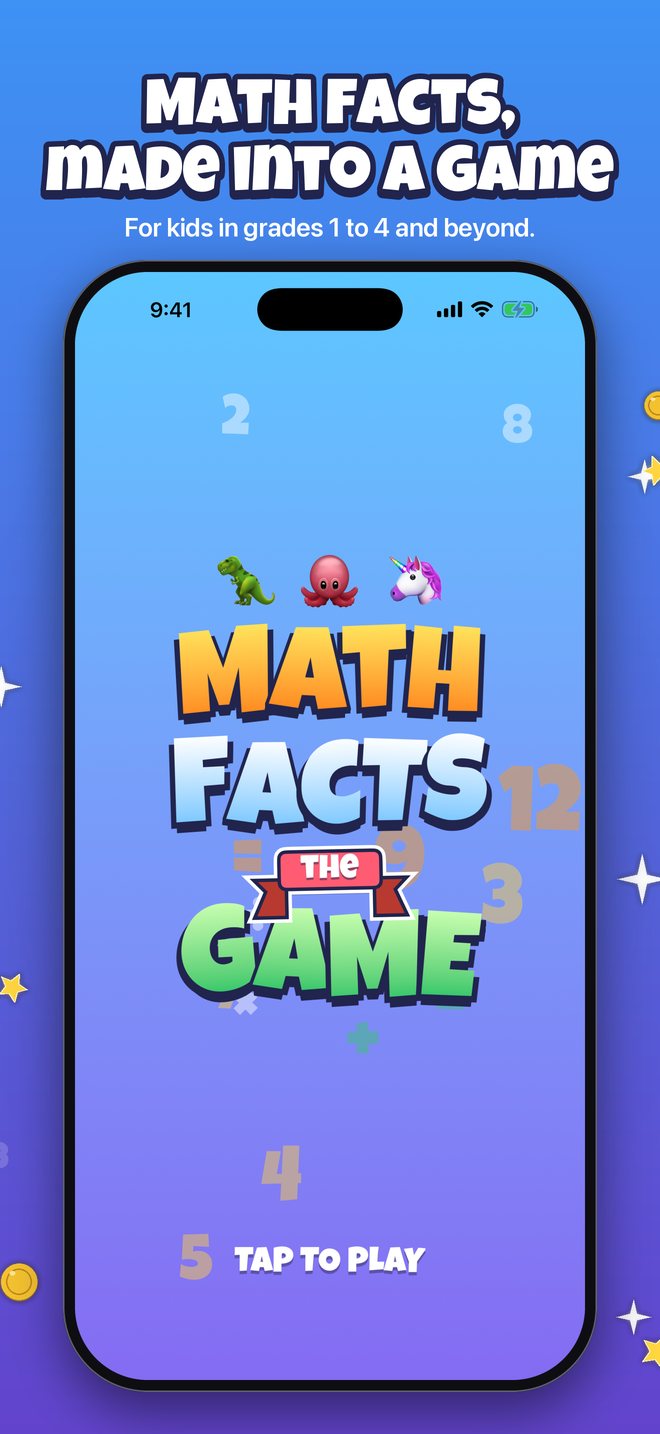
The Math Facts: The Game title screen with the colorful MATH FACTS the GAME logo and three animal buddies
Why Math Facts

Practice that does not feel like a test

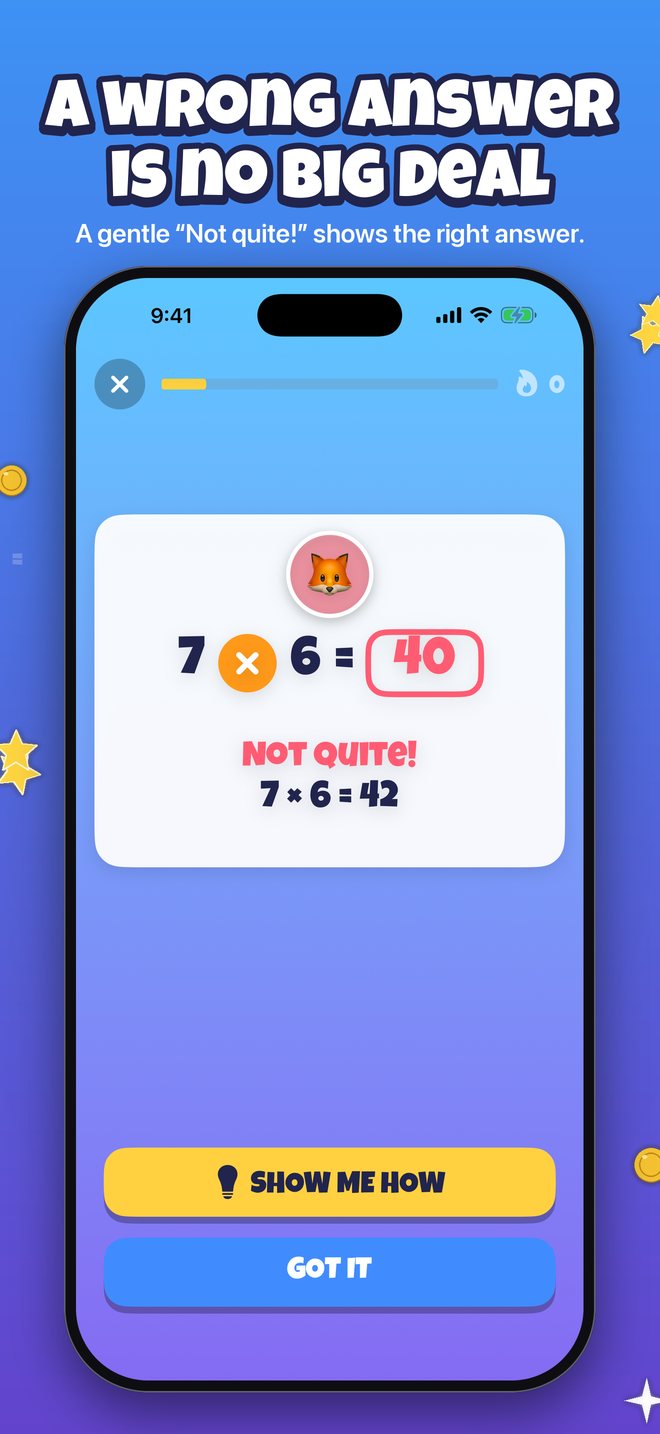
I built Math Facts for my daughter, who finds her math facts hard. I wanted practice that would not make her feel bad about a wrong answer, so a miss gets a silly “Not quite!” and the right answer on screen, never a buzzer.

I also wanted her to see what she has learned, so every fact lives on a map that fills in as she masters it. And I wanted something real at the end of it, so grown-ups set the rewards, like an ice cream trip, and kids earn the stars. The treasure map was her idea.

Alexander Rohr, developer

How it plays

Short rounds, big rewards

Pick a player

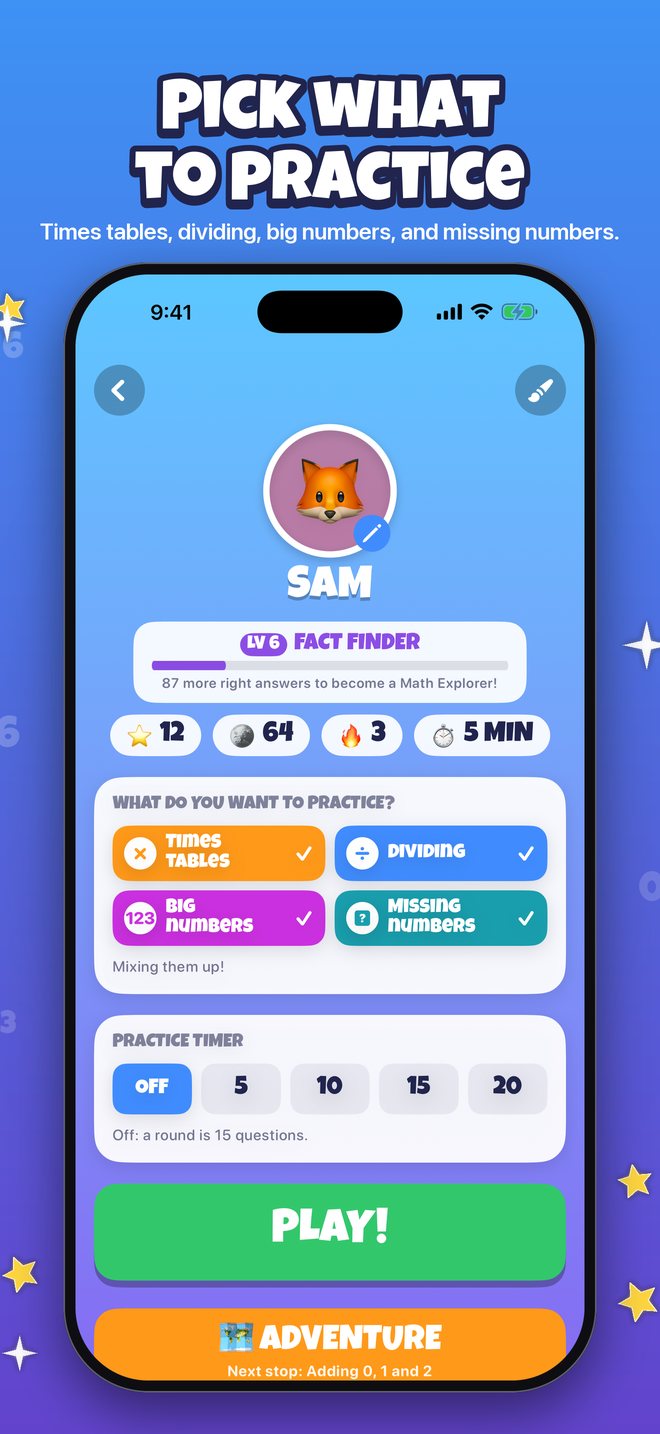
Each child has their own player, with a buddy, a grade, a practice timer, and their own progress.

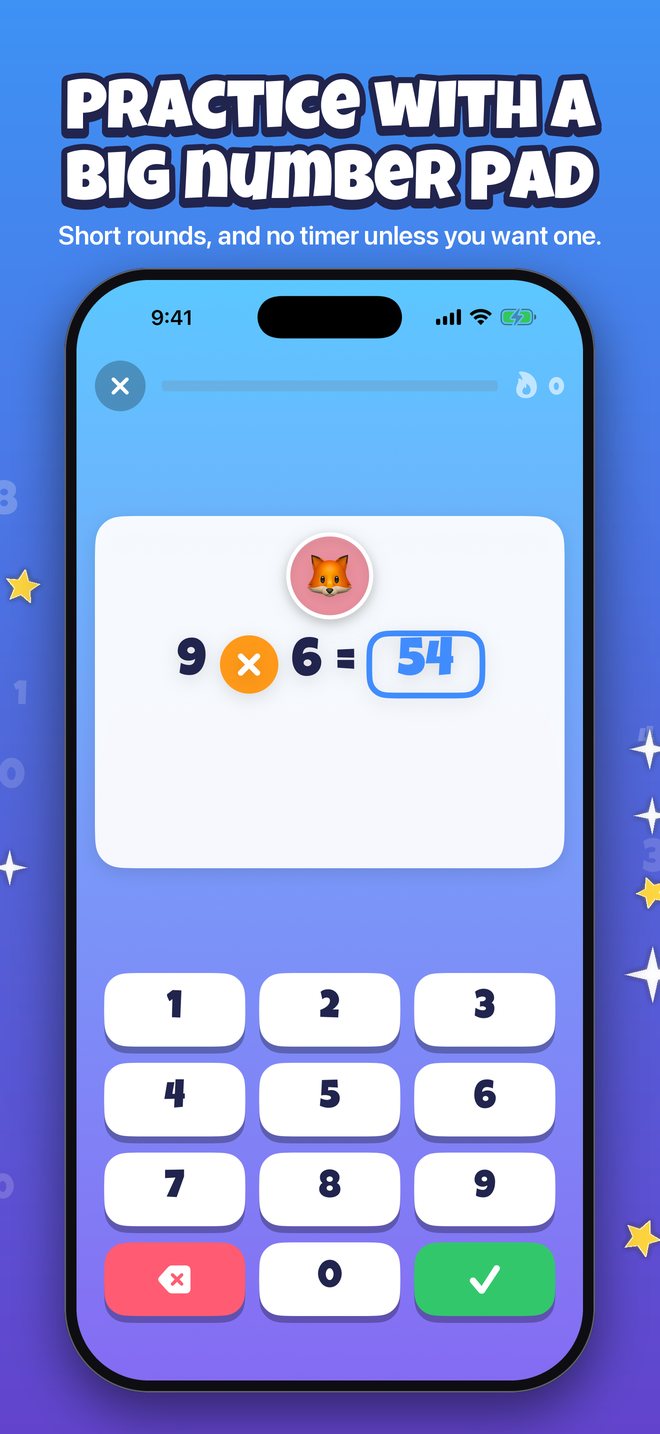
Answer on a big number pad

A round is 15 questions, with no timer unless you turn one on. The game learns which facts need more practice.

Learn from a miss

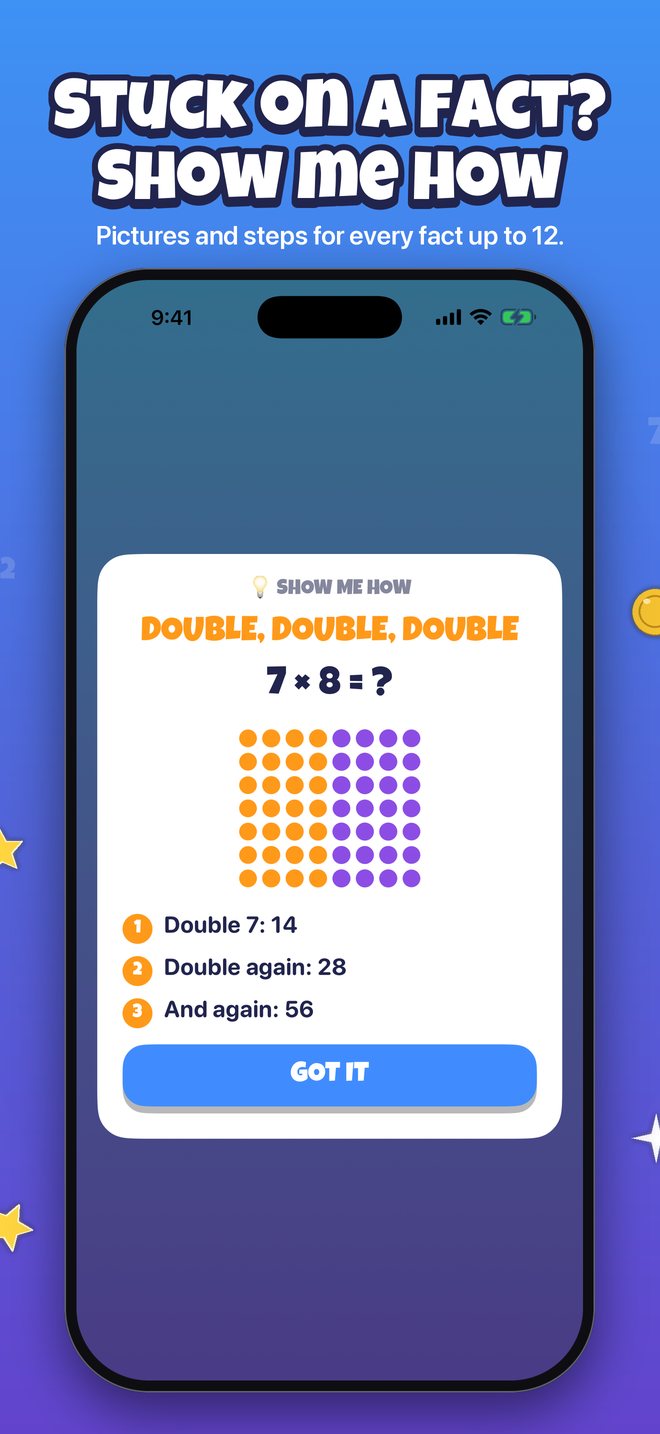
A wrong answer gets a gentle “Not quite!” and the right answer. Tap Show me how for a picture and steps.

Collect and celebrate

Earn stars, coins, level titles, achievements, and super buddies from the treasure map.

Treasure map

Eight islands, eight super buddies

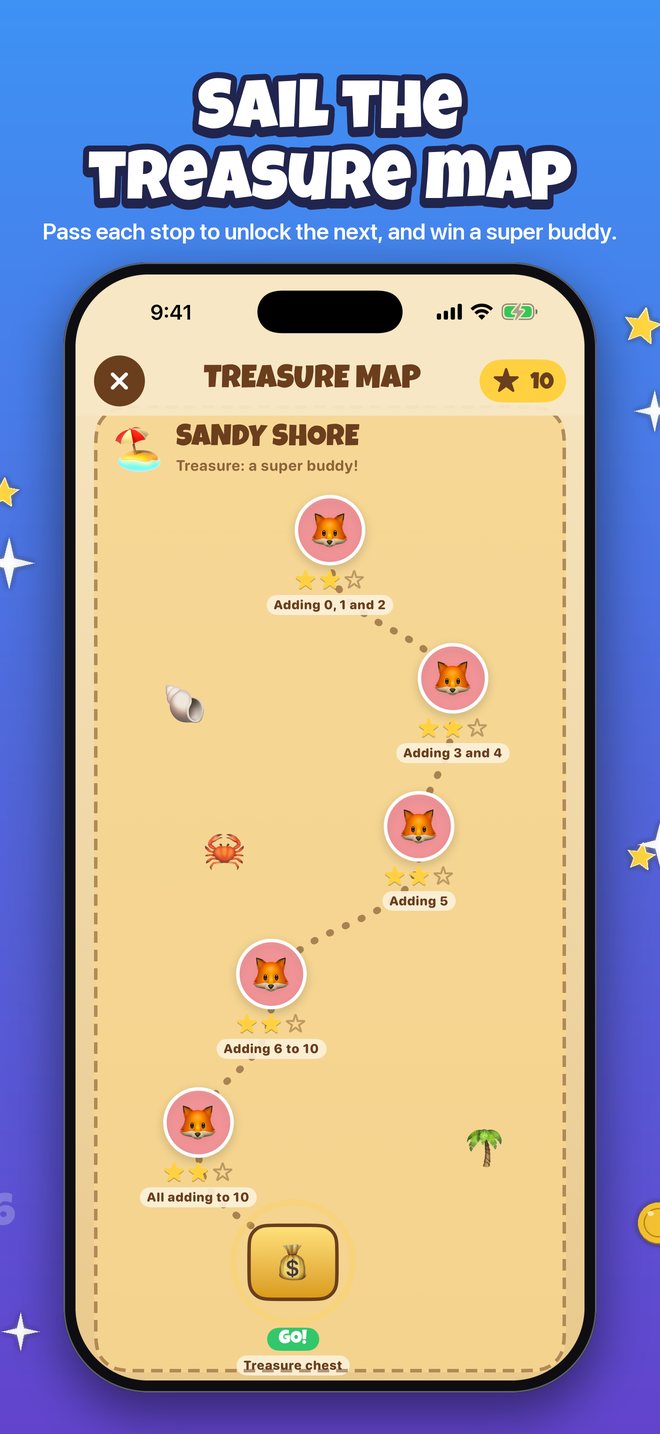
Each island is a trail of stops, easiest first. A stop opens when the one before it is passed with 85% right, and the last stop is a treasure chest that wins the island's super buddy. Rounds on the map also count toward fact mastery, and they are never timed.

ISLAND 1 · FREE
Sandy Shore
Adding up to 10. Win Captain Parrot.
ISLAND 2
Coconut Cove
Taking away up to 10. Win Wally the Whale.
ISLAND 3
Jungle Falls
Adding and taking away to 24. Win Jungle Jaguar.
ISLAND 4
Pirate Bay
Times 0, 1, 2, 5 and 10. Win Number Ninja.
ISLAND 5
Volcano Peak
Times 3, 4 and 6. Win Fire Dragon.
ISLAND 6
Frosty Caves
Times 7, 8, 9, 11 and 12. Win Frost Wizard.
ISLAND 7
Desert Ruins
Dividing. Win Math Genie.
ISLAND 8
Treasure Castle
Big numbers, carrying and borrowing. Win Super Mathlete.
Features

Made to help a kid who finds this hard

Practice that adapts

Learns which facts each child knows and which need work, and spreads mastery over days so facts are remembered, not just answered.

Show me how

After a wrong answer, a step-by-step strategy with a picture: make a ten, near doubles, the nines trick, think times, and more, for every fact up to 12.

Wrong answers are no big deal

A missed fact gets a gentle “Not quite!” and the right answer on screen. Speed is a bonus, and there is no timer unless you turn one on.

Sign mix-up help

Notices when a child answers with the wrong sign, like 11 for 8 − 3, and points it out.

Big numbers in columns

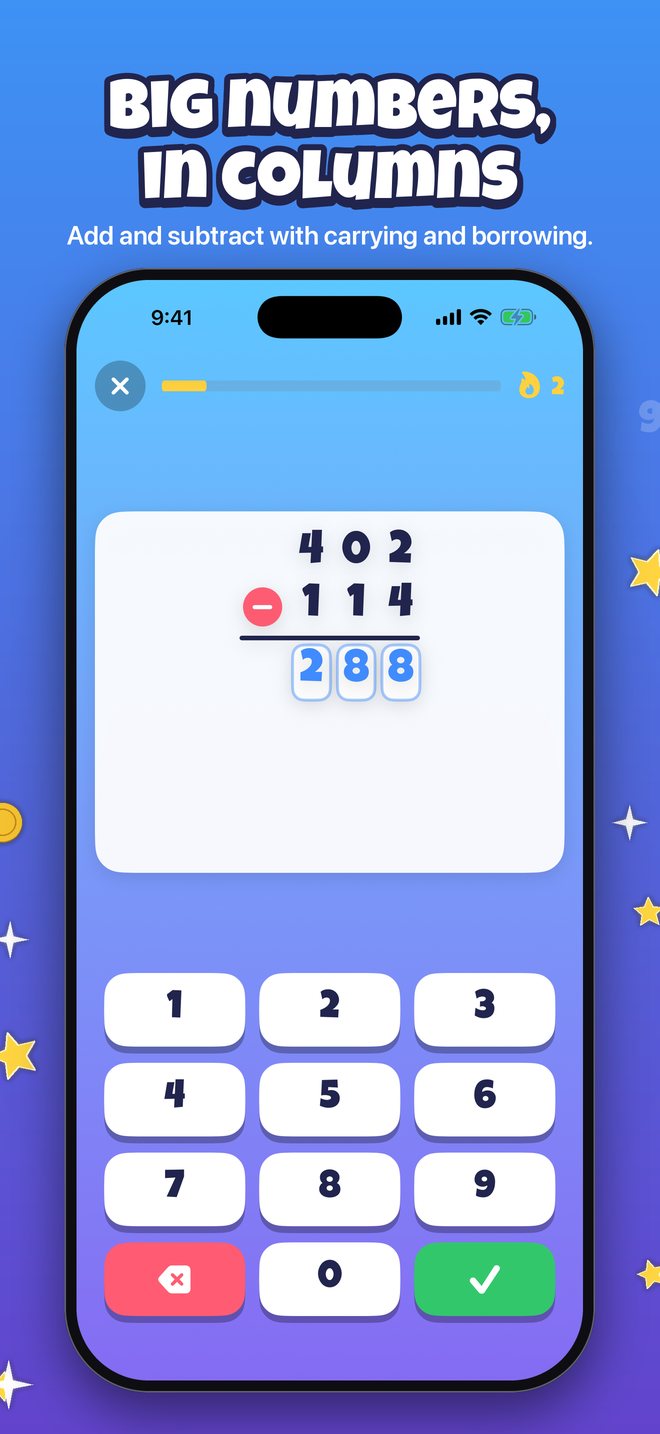
Adding and taking away in columns like on paper, with carrying, borrowing, and the mistake shown in the right column.

Missing numbers

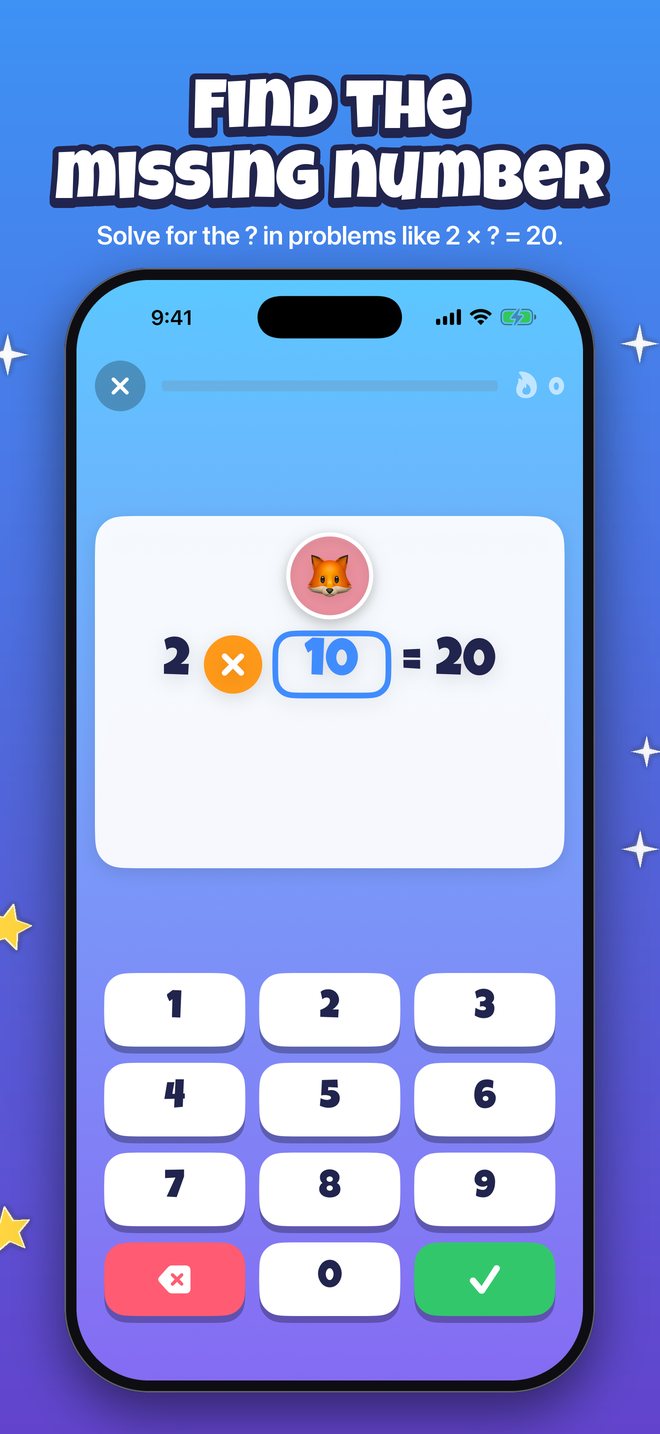
? + 5 = 12 and 3 × ? = 21: fact families the other way round.

Treasure map

Eight islands of stops to pass with 85% right, each ending in a treasure chest with a super buddy inside.

Achievements and levels

Nearly 100 achievements with progress to see, and level titles from Number Newbie to Grand Math Master.

Real rewards

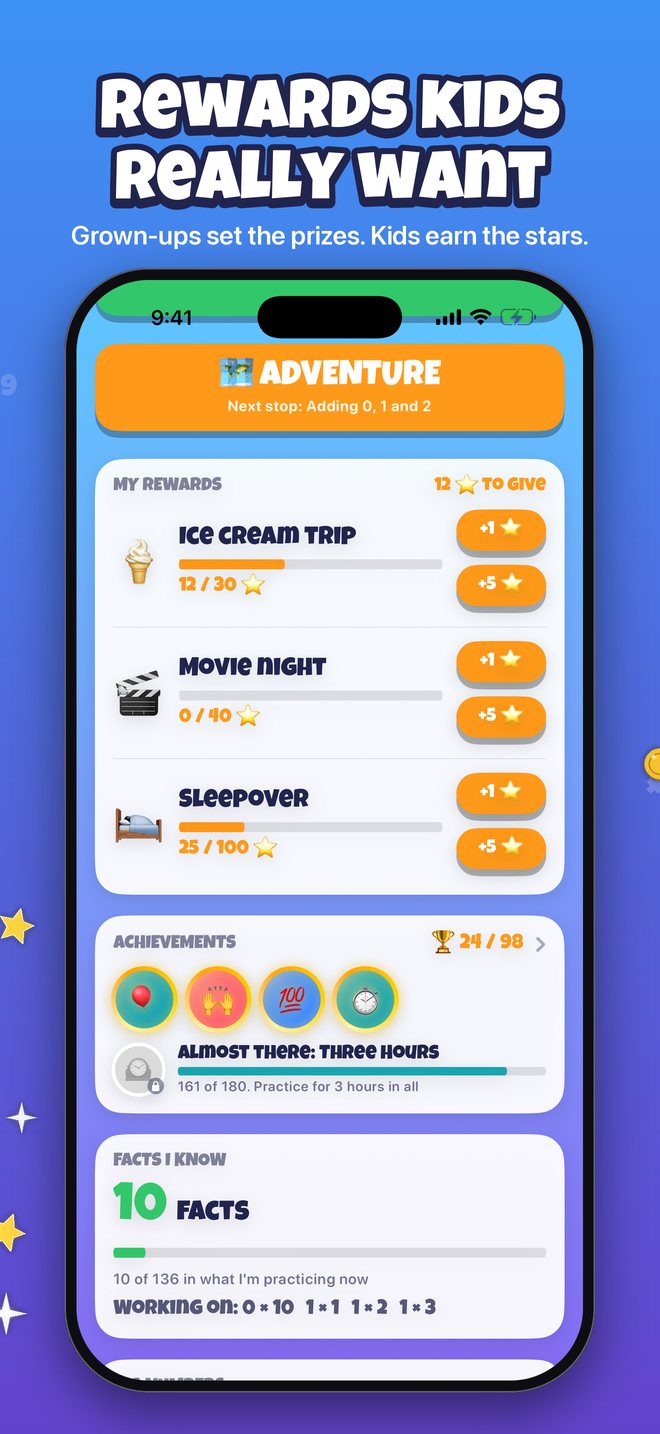
Grown-ups set rewards like an ice cream trip. Children earn stars and choose where to put them.

Progress report

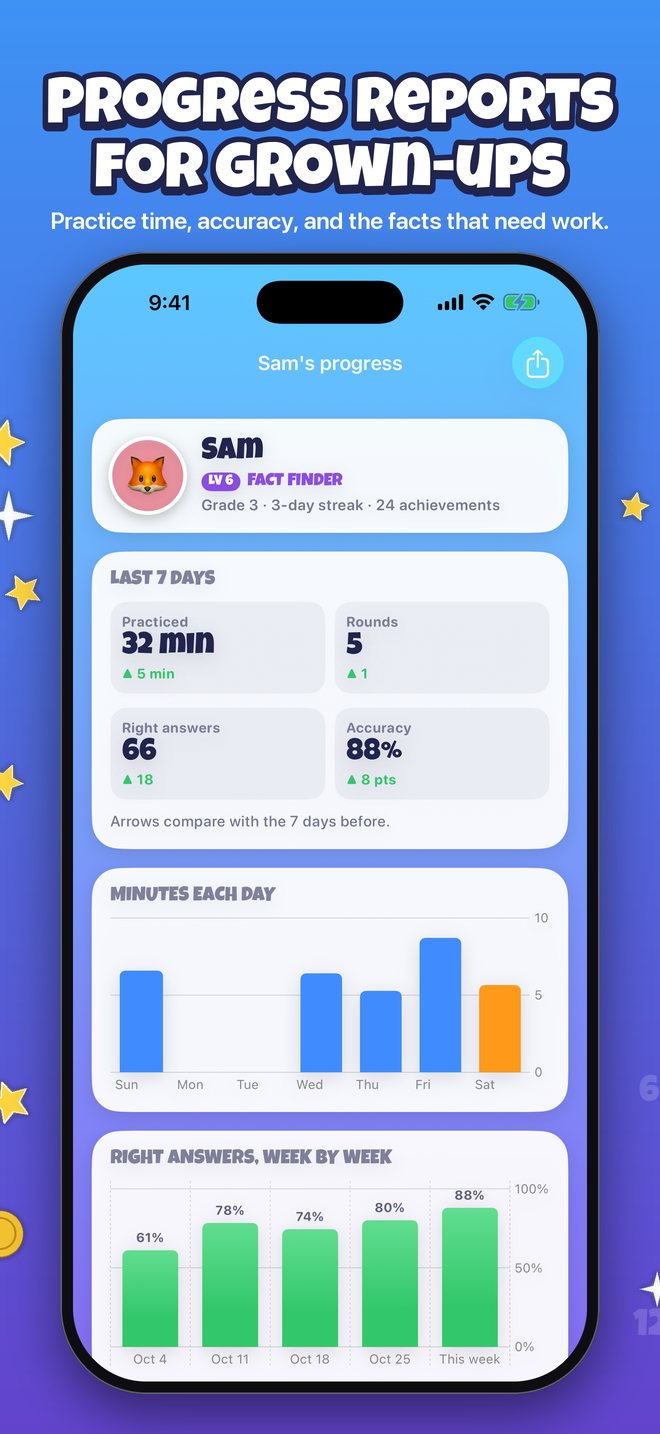
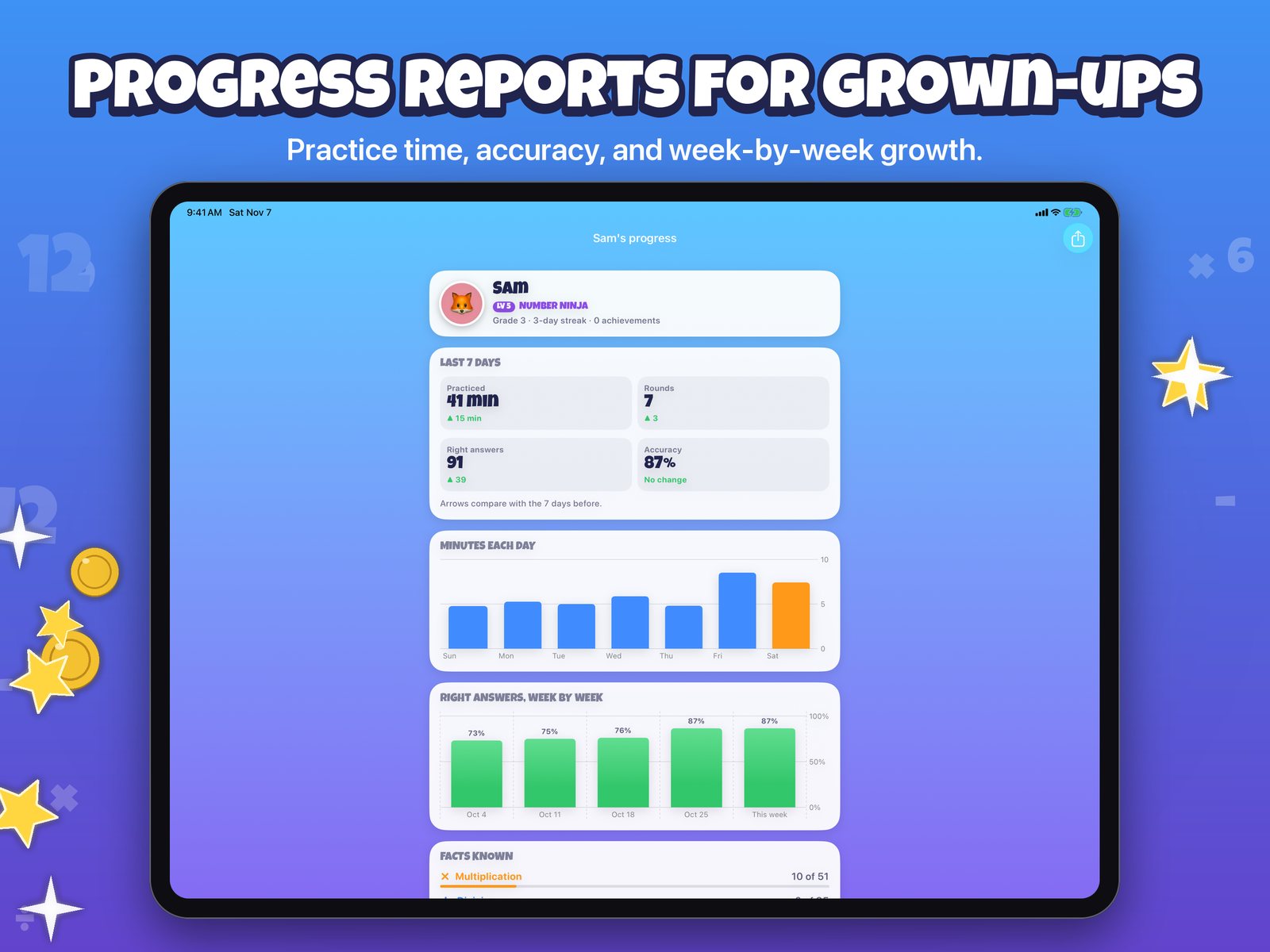
Practice time, accuracy, facts known, and the facts that need practice, for each child.

A profile for each child

Their own buddy, background, grade, practice timer, and progress.

Made for iPhone and iPad

Portrait on iPhone, and portrait or landscape on iPad, with the screens scaled up to fill the bigger display.

iCloud sync

Progress syncs through your family's own private iCloud. No account, no ads, no tracking.

On iPhone

A look inside

The Math Facts: The Game title screen with the colorful MATH FACTS the GAME logo and three animal buddies
Math facts, made into a game
A times table question, 9 times 6, with the answer 54 typed on a big number pad
A big number pad
A wrong answer shows Not quite with the right answer, and a Show me how button
Gentle wrong answers
A Show me how card for 7 times 8 with a picture of dots and three doubling steps
Show me how
The Sandy Shore island on the treasure map with passed stops, stars, and a treasure chest
The treasure map
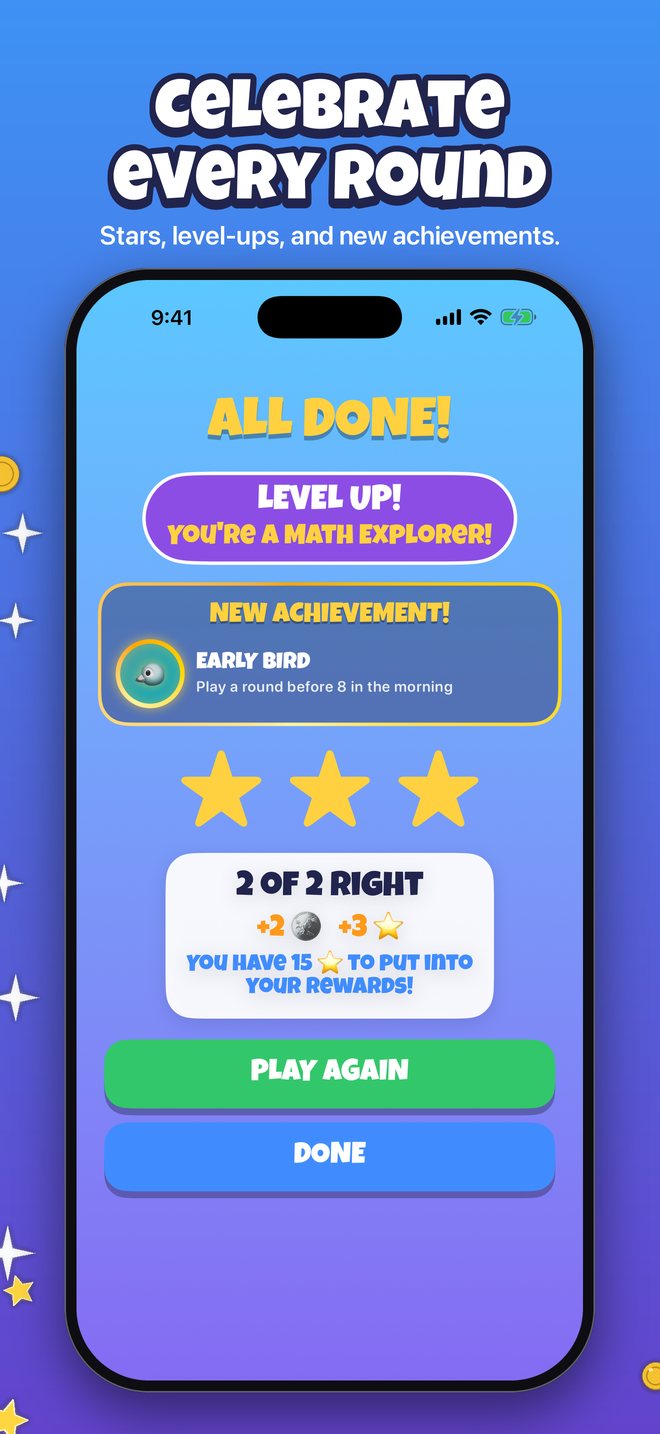
The All done screen with a level up, a new achievement, three stars, and coins earned
Celebrate every round
A column subtraction, 402 minus 114, with the answer 288 entered in boxes
Big numbers, in columns
A missing number question, 2 times a box equals 20, with 10 entered
Missing numbers
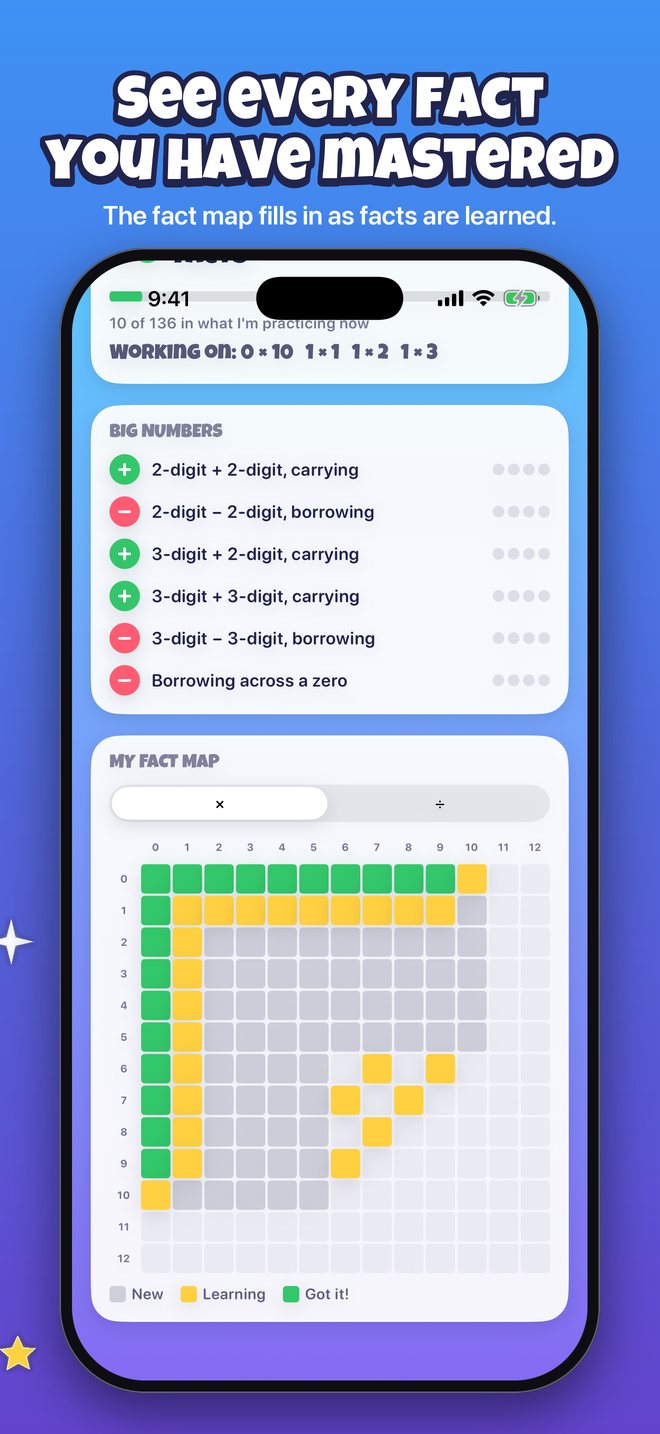
A grid of times table facts colored new, learning, or got it, below the big number skills
The fact map
Rewards a grown-up set, Ice cream trip, Movie night, and Sleepover, with star progress and achievements
Rewards kids want
A player's page with level, stars, coins, what to practice, the practice timer, and the play and adventure buttons
A player's page
A progress report with practice minutes, rounds, right answers, accuracy, and weekly charts
Progress reports
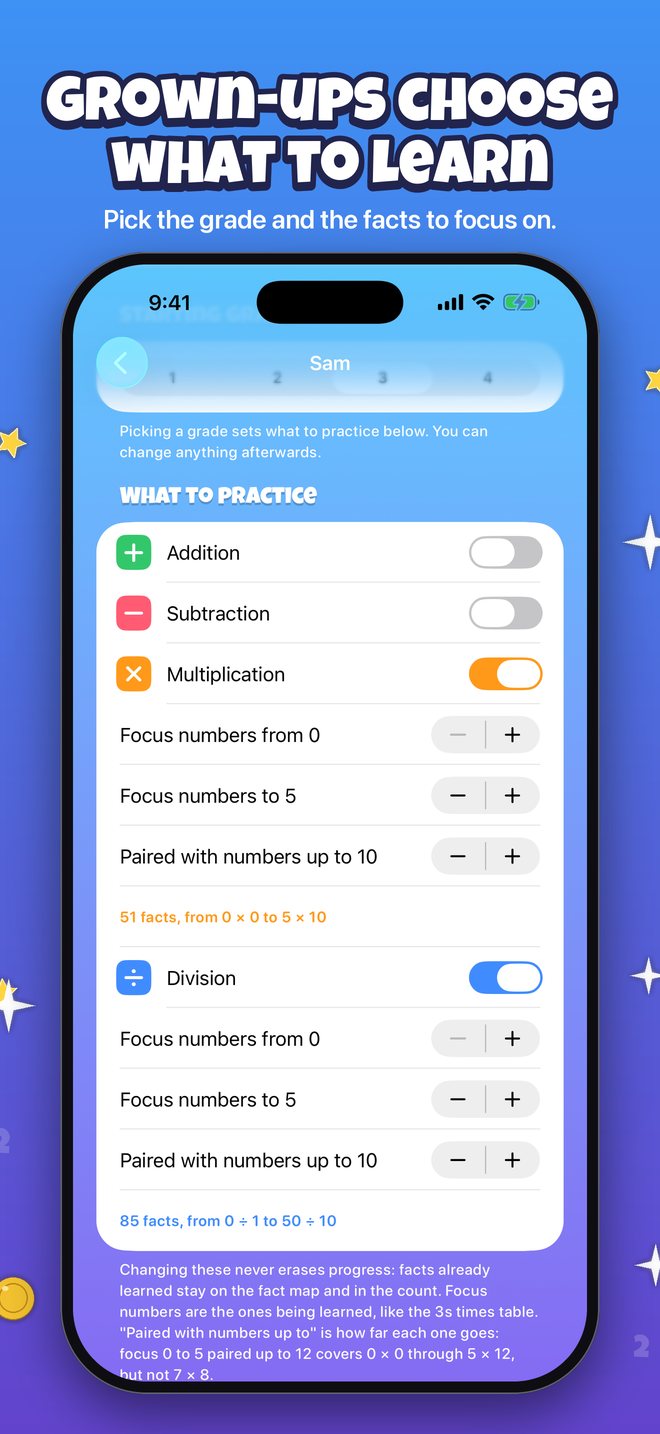
Grown-up settings for choosing the grade and which times table and division facts to focus on
Grown-ups choose
On iPad

Room for the whole map

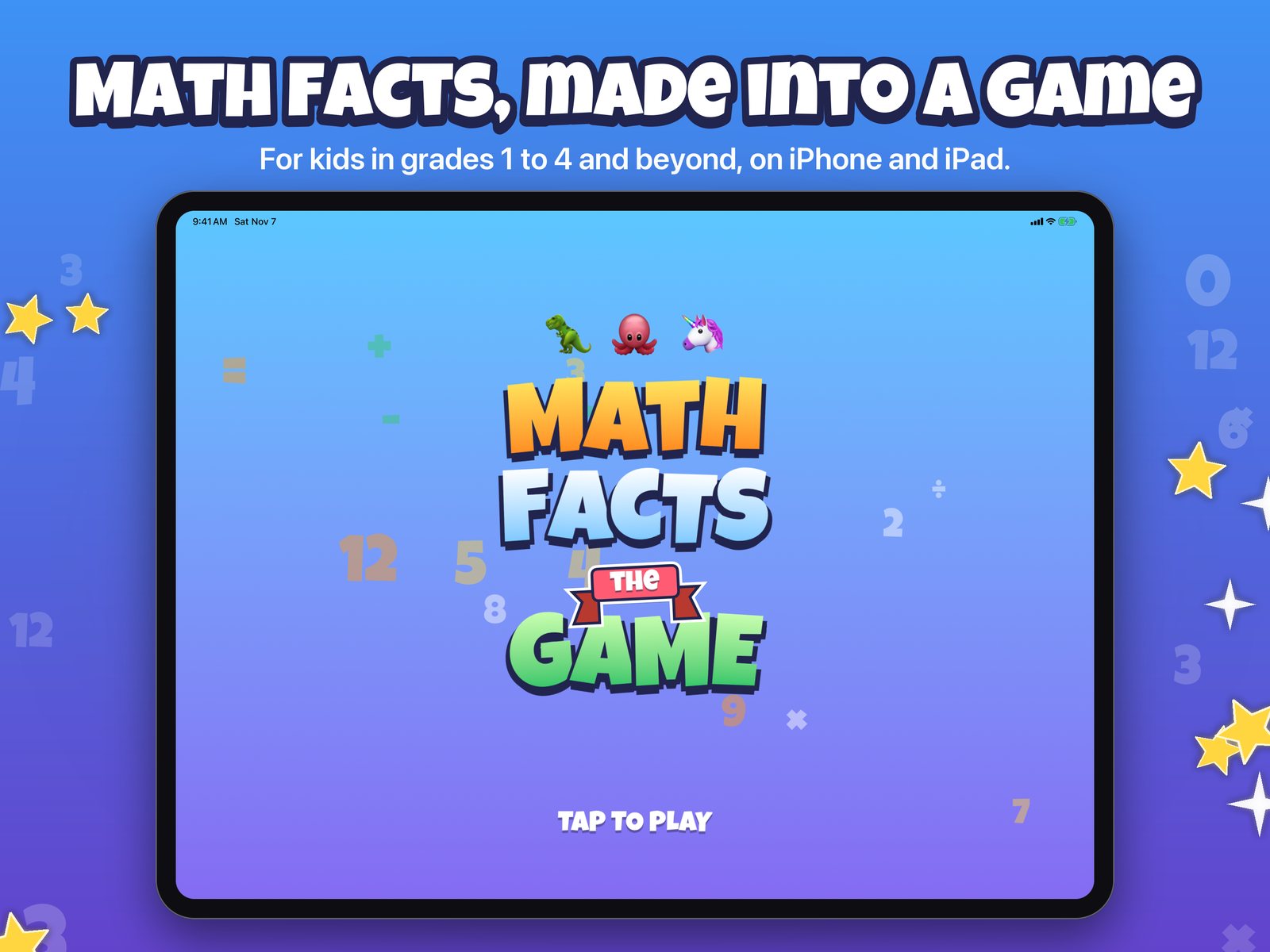
The Math Facts: The Game title screen on iPad
Title screen
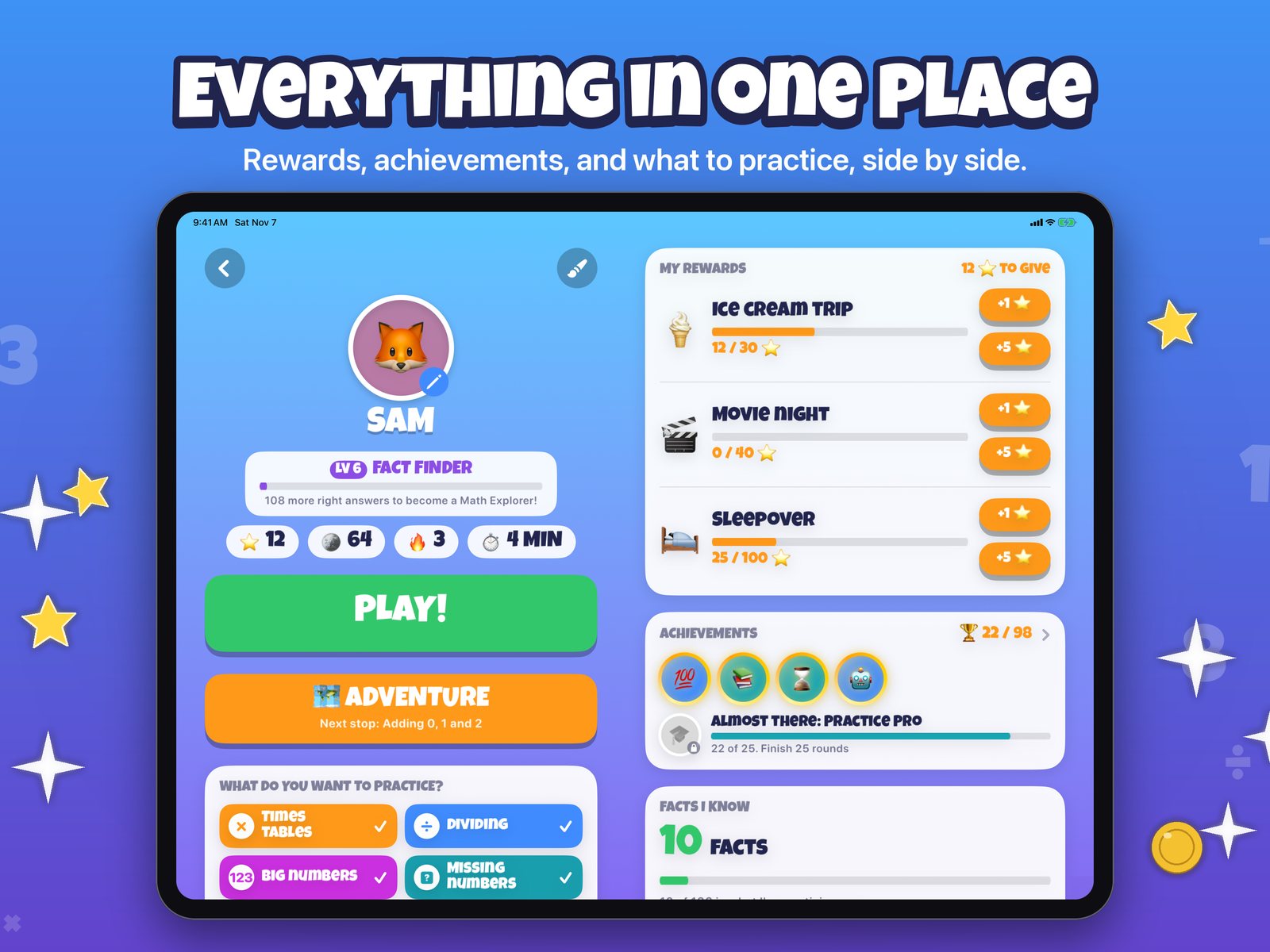
An iPad player page with rewards, achievements, and facts known beside the play and adventure buttons
Everything in one place
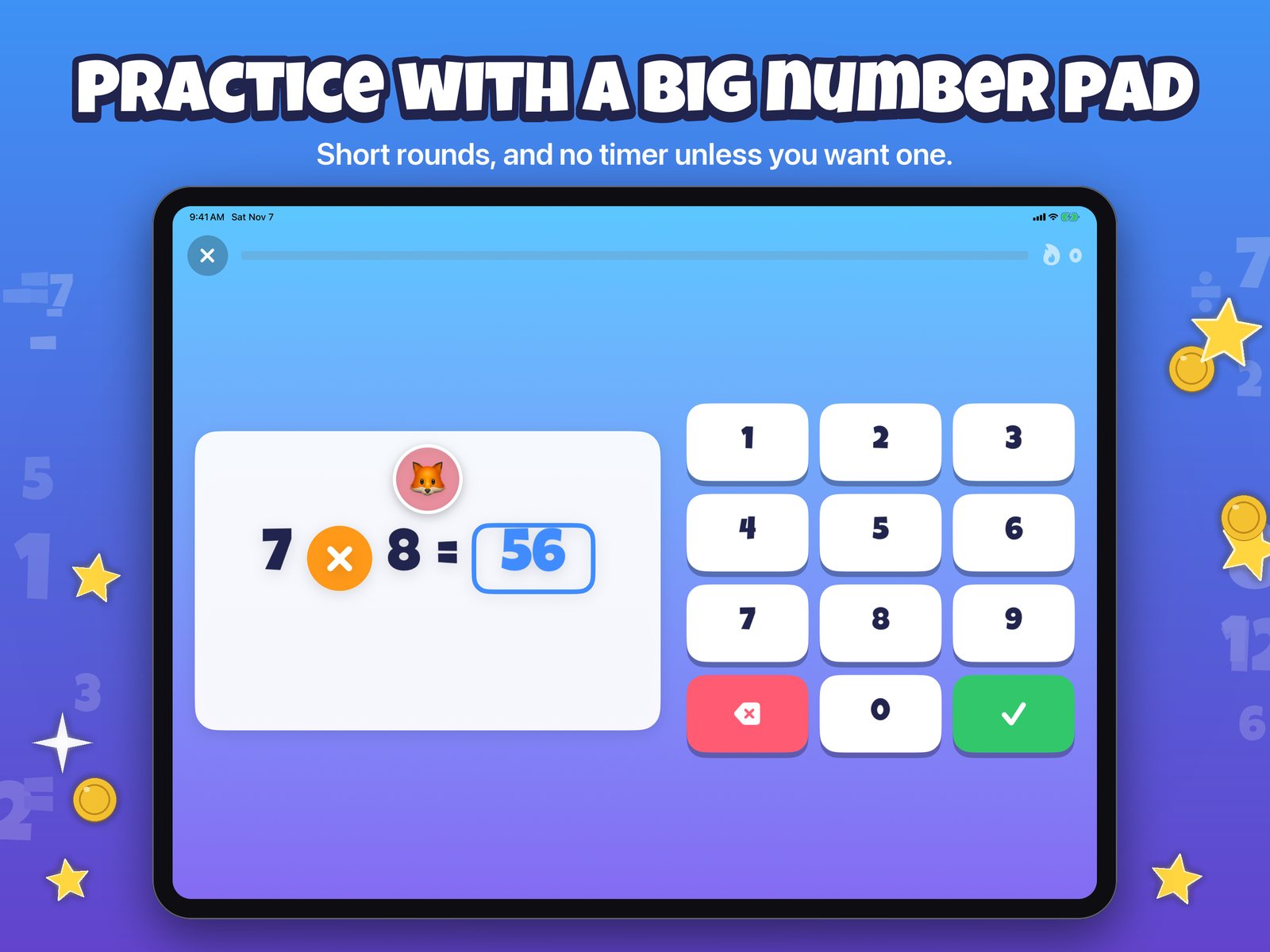
A times table question, 7 times 8, with the answer 56 beside a big number pad on iPad
A big number pad
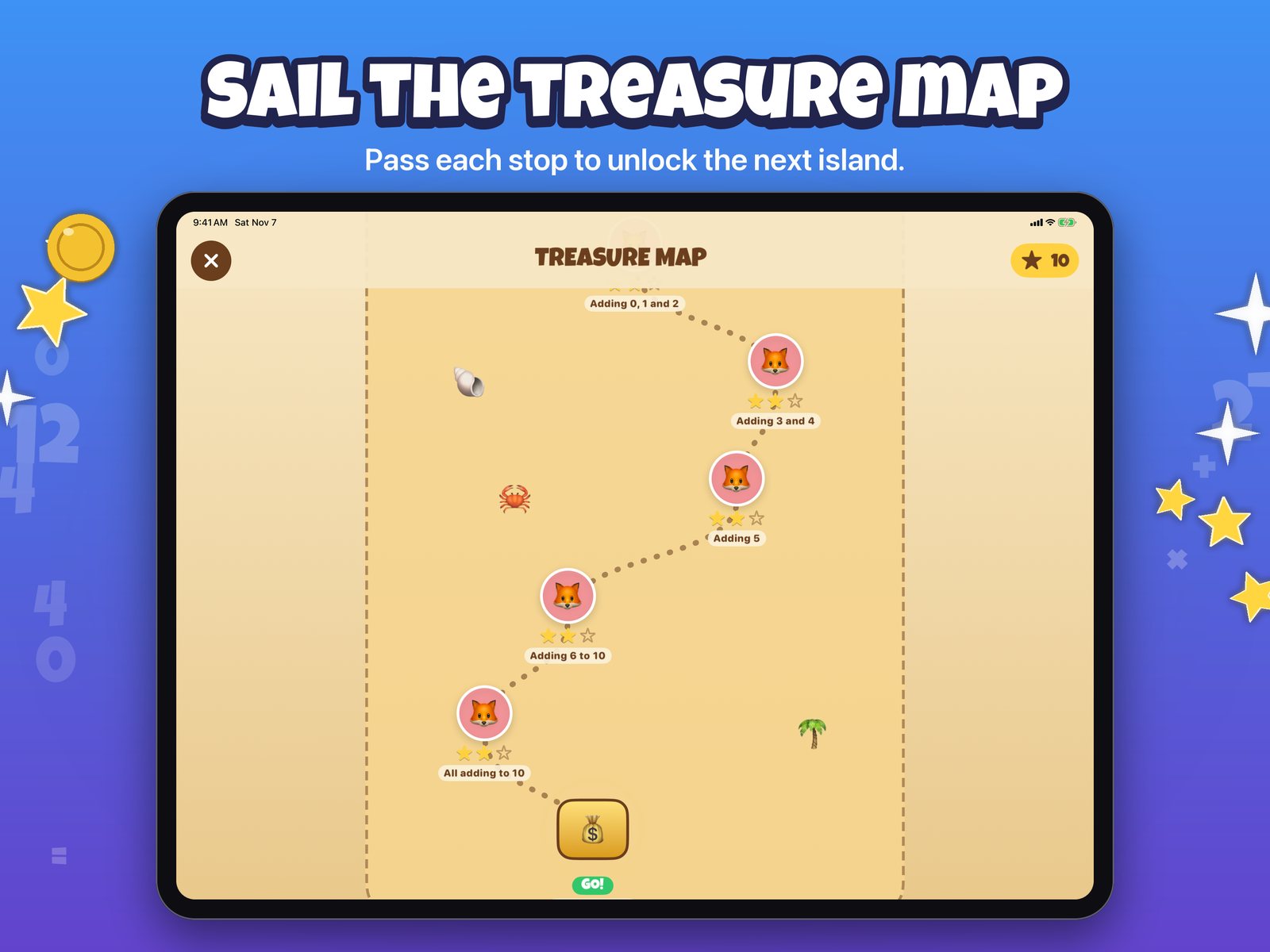
The treasure map on iPad with passed stops and a treasure chest
The treasure map
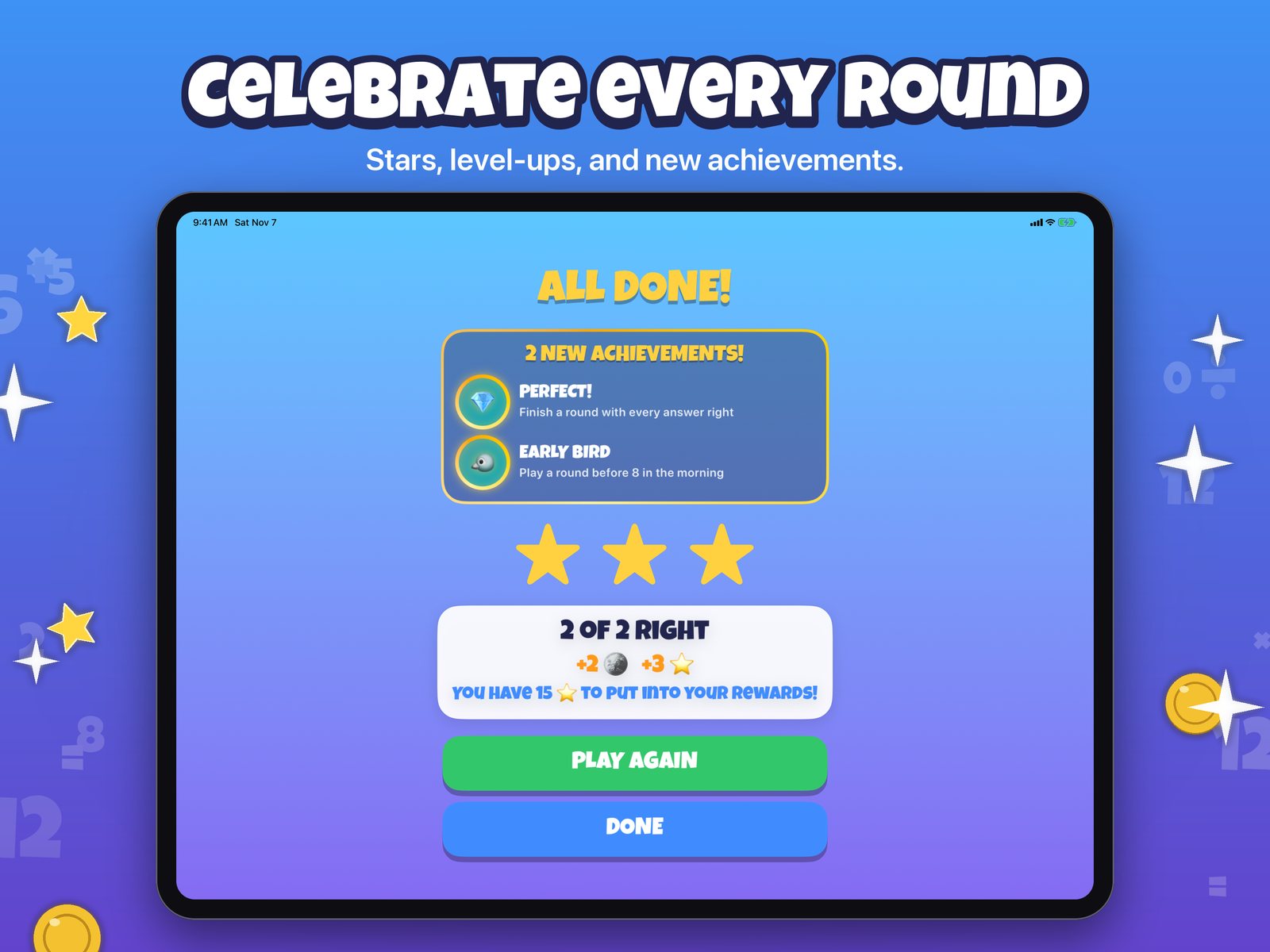
The All done screen on iPad with two new achievements and three stars
Celebrate every round
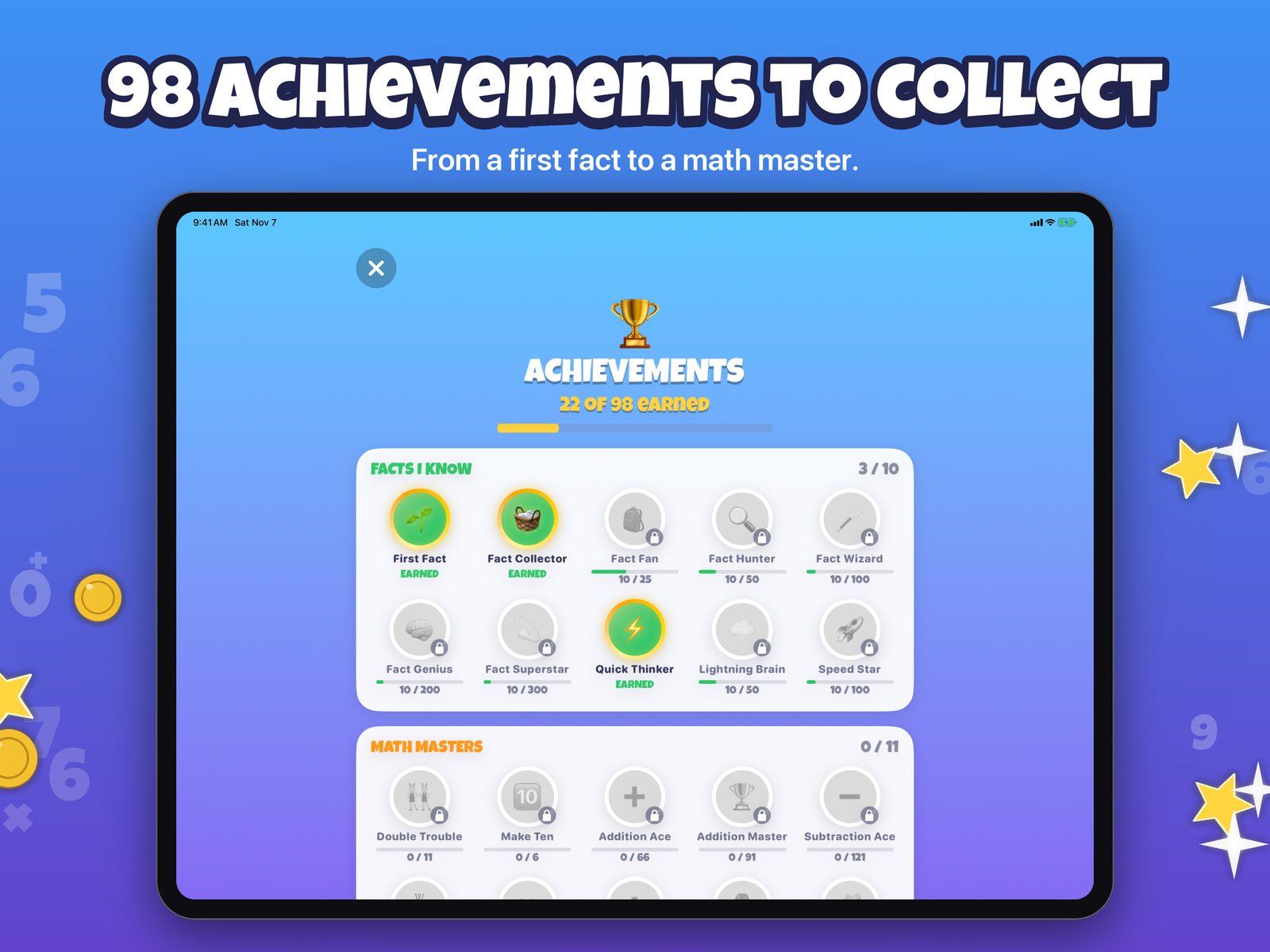
The achievements page showing 22 of 98 earned, with earned and locked badges
Achievements
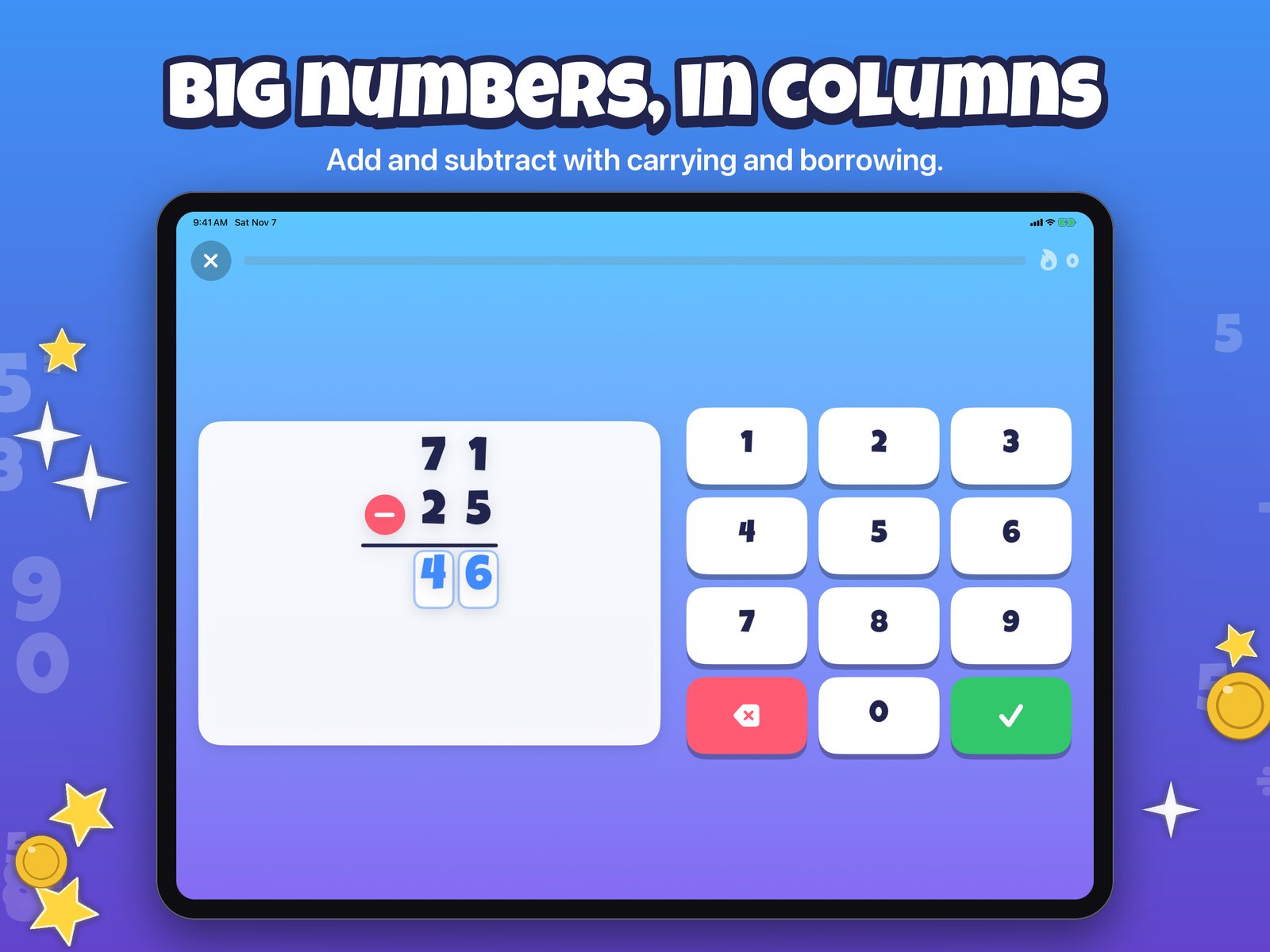
A column subtraction, 71 minus 25, with the answer 46 entered beside a number pad on iPad
Big numbers, in columns
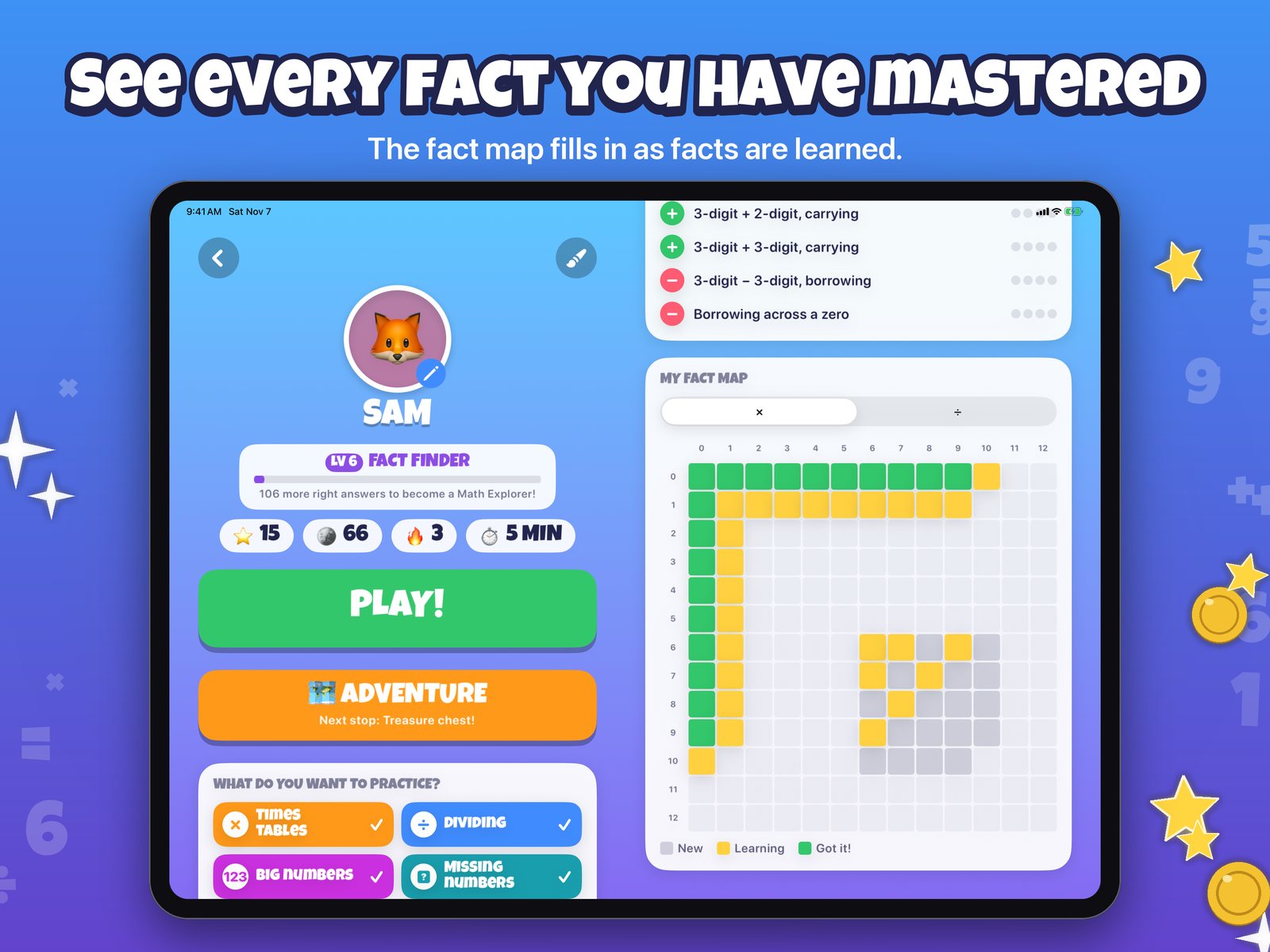
An iPad player page with the fact map grid of times table facts beside it
The fact map
A progress report on iPad with practice time, accuracy, and weekly charts
Progress reports
For grown-ups

You steer, they play

Choose what to practice

Pick a starting grade from 1 to 4, then fine-tune which operations and which times tables or divisors to focus on. Changing these never erases progress.

Set the rewards

Create rewards with a star goal, like an ice cream trip or a movie night. The child sees progress on their page, and you mark it given.

See the progress

A report for each child shows practice time, accuracy, week-by-week growth, facts known, and the facts that keep tripping them up.

Behind a parental gate

The Grown-ups area, the purchase screen, and links out of the app are behind a gate: type a big number from its spelled-out words. Children never see prices or buy buttons.

Pricing

Free to start, with a free trial of everything

Free

$0

  • One player
  • Adding and taking away, with the Sandy Shore island
  • Show me how hints, achievements, and rewards
  • The first part of the progress report

14-day free trial

$0

  • Everything in the full version for 14 days
  • No payment needed, and nothing renews
  • When it ends, the game goes back to the free version and nothing is lost

Full version

$19.99 once, or $0.99 a month

  • Times tables and dividing, big numbers, and missing numbers
  • The whole treasure map, a player for every child, and the full progress report
  • Both options use Family Sharing, so one purchase covers the family
  • The monthly plan renews until you cancel in your Apple Account settings

Prices shown are in US dollars. The App Store shows the price for your country at purchase.

Privacy

Stays in your family's iCloud

Math Facts has no account, no ads, no third-party analytics, and no servers of its own. Player names, buddies, and progress stay on your devices and sync only through your own private iCloud, where the developer cannot see them.

Read the privacy policy

More

Questions, press, and support