
BudgetXP+ Desktop
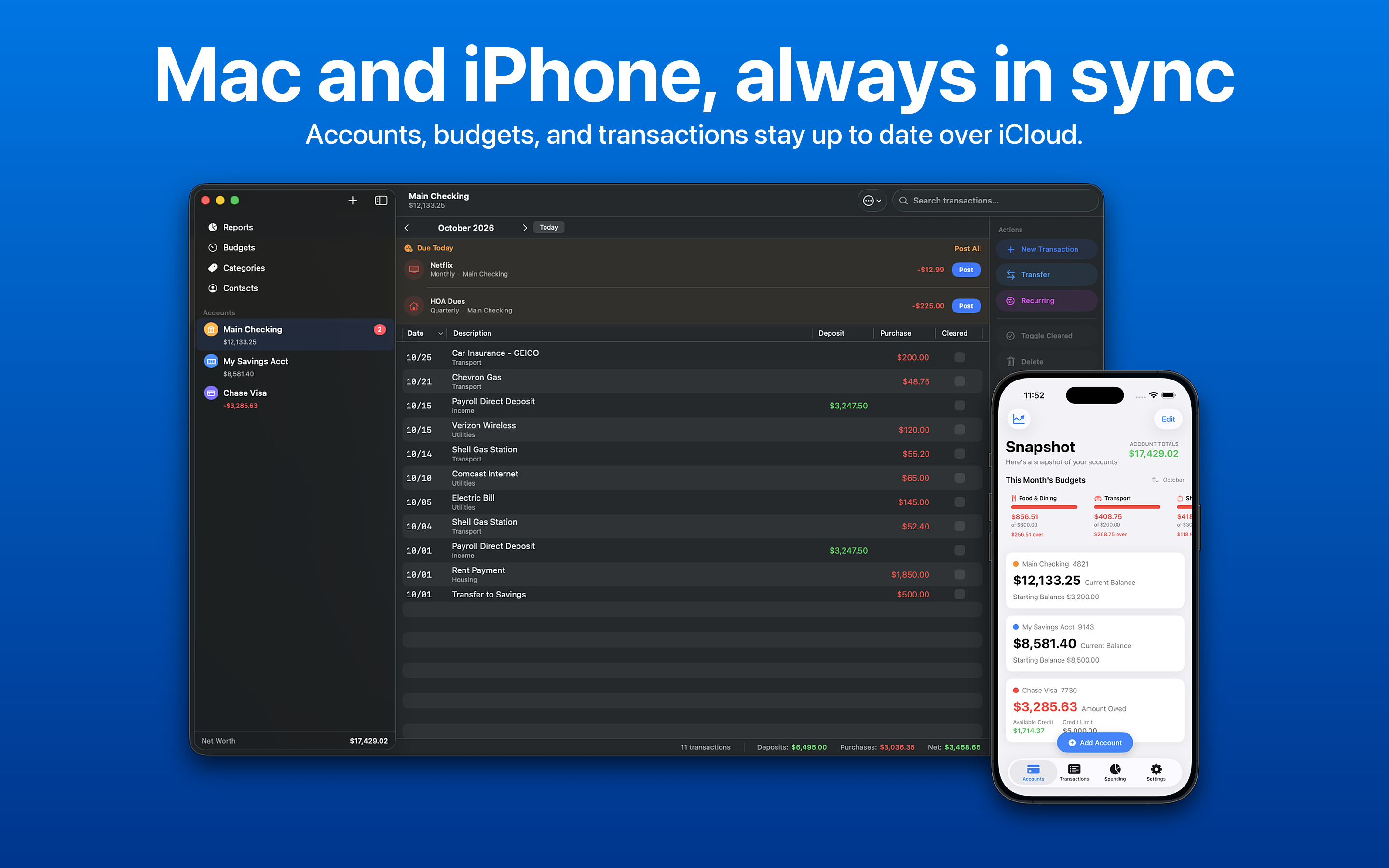
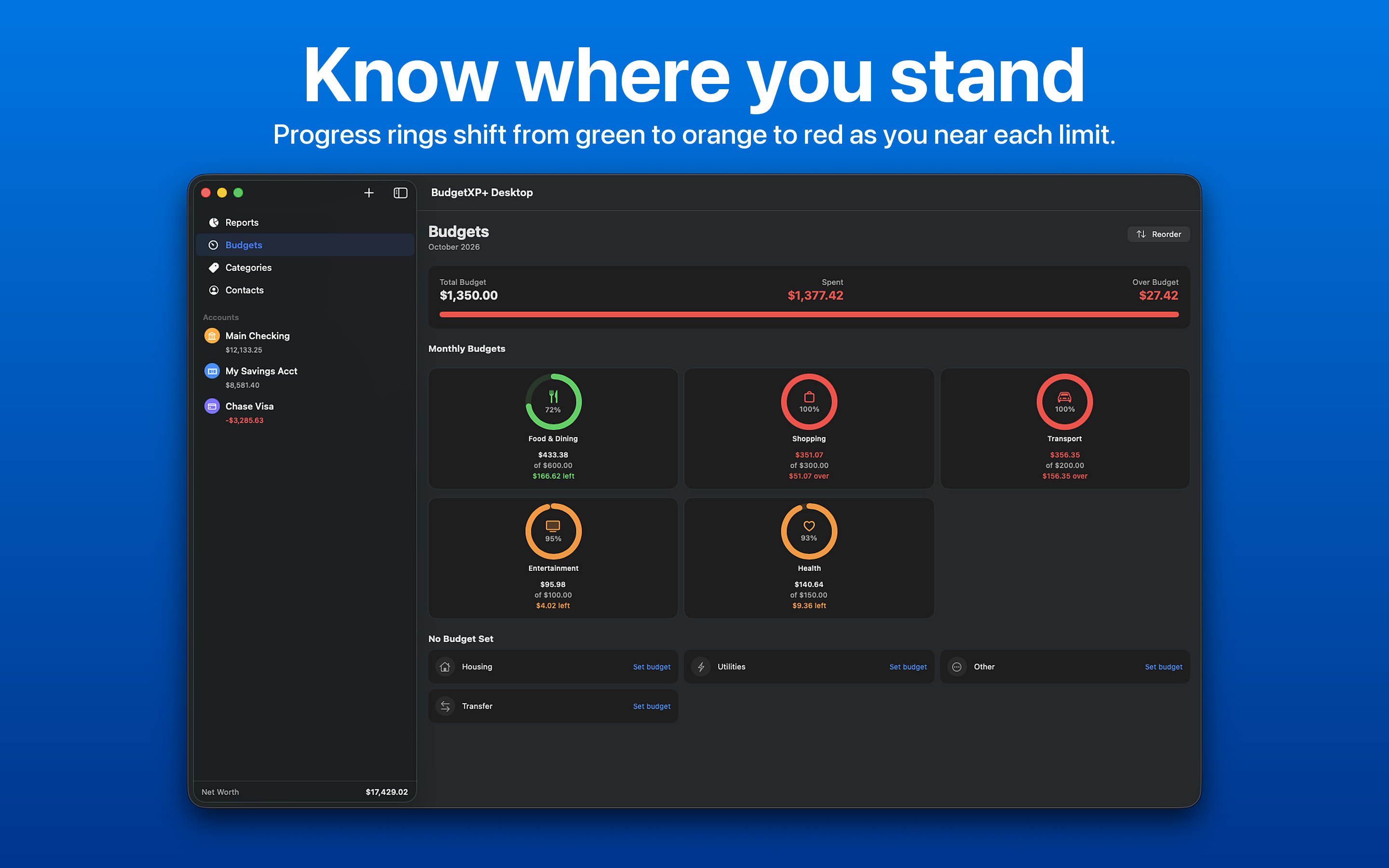
A native personal finance app for macOS: accounts, budgets, reconciliation, and reporting, synced automatically with BudgetXP+ on iPhone and iPad.
What it does
Transaction ledger
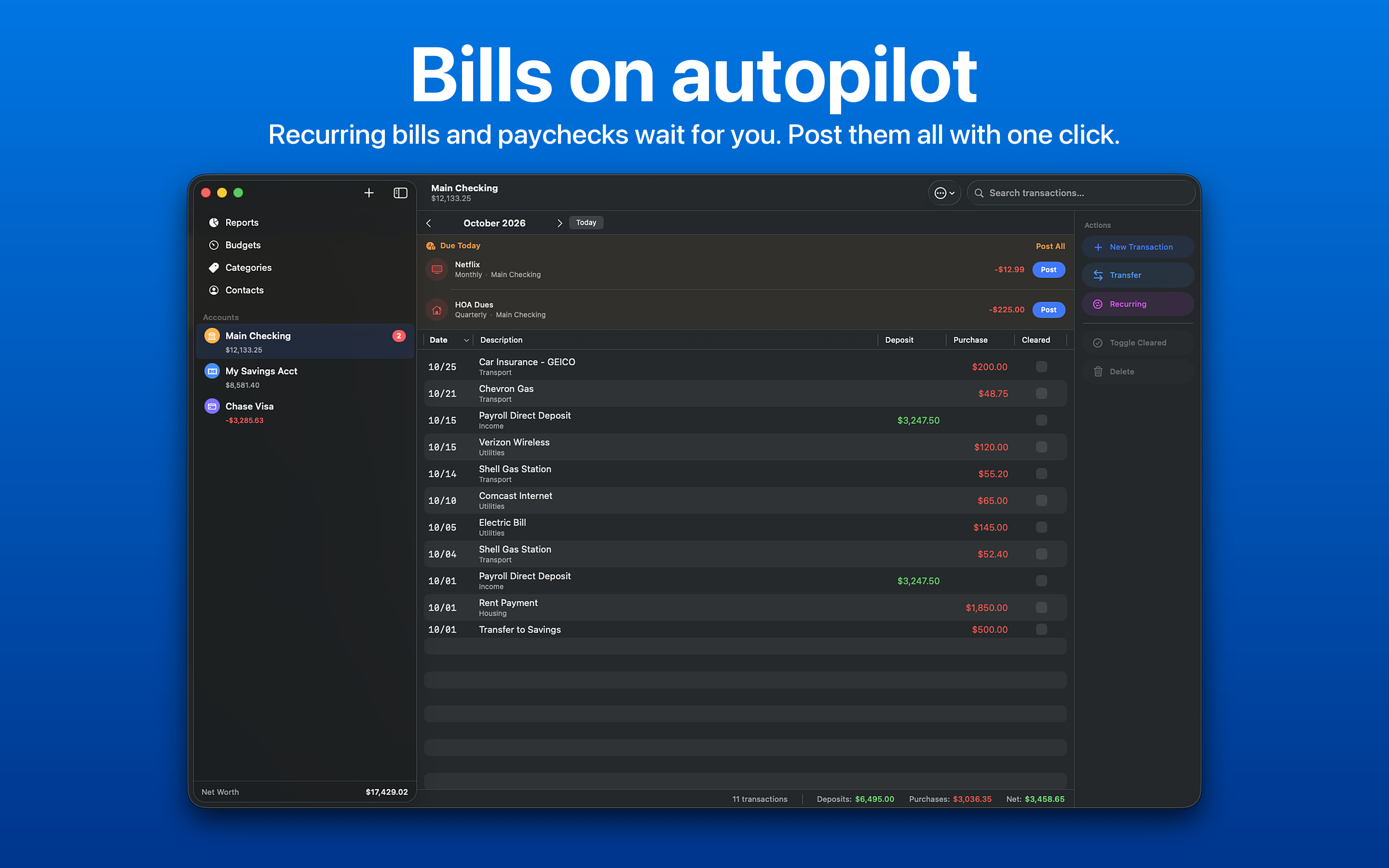
A sortable table view with multi-column sort, full-text search, and keyboard shortcuts for editing, duplicating, and adding transactions.
Reconciliation mode
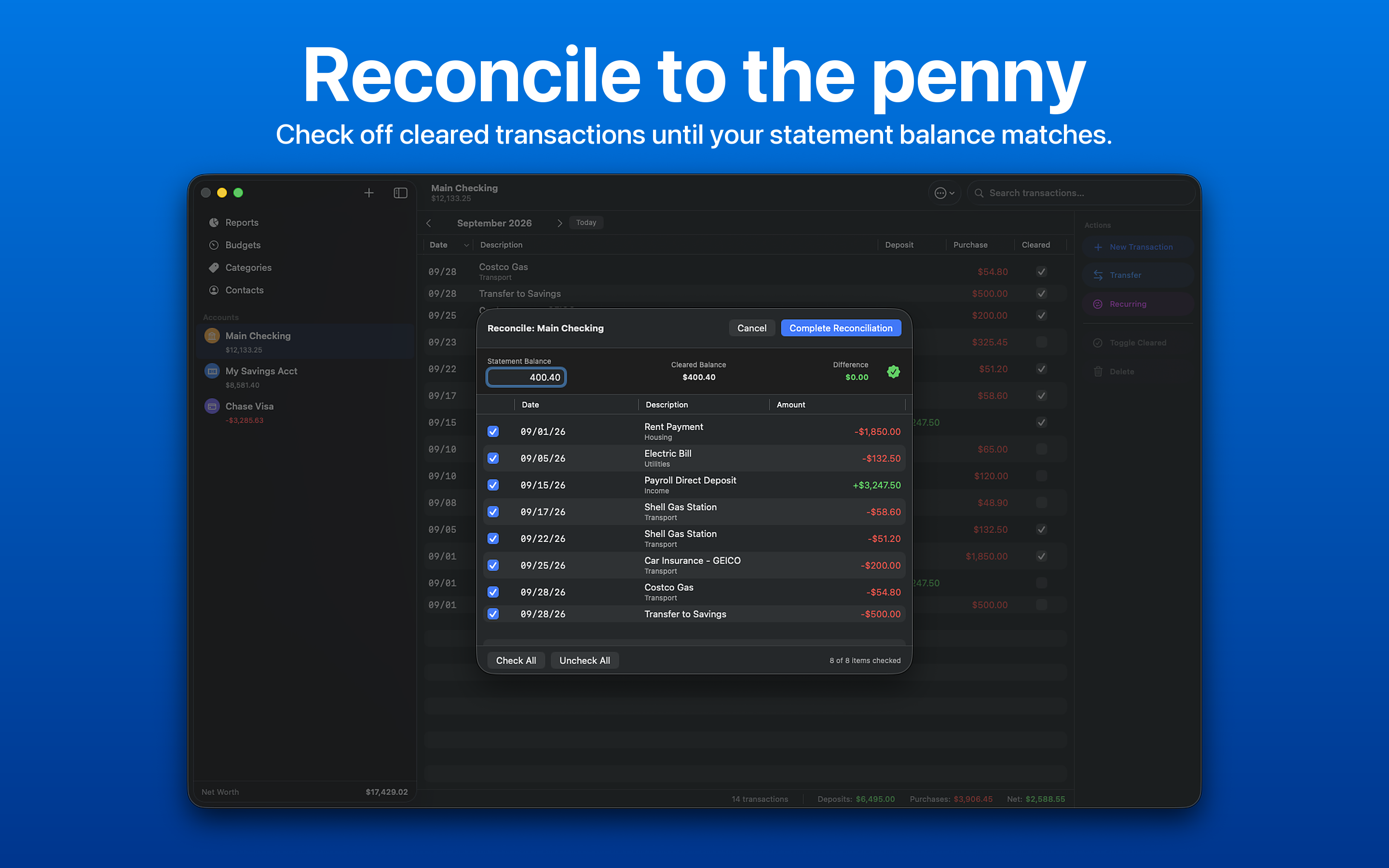
Enter your bank statement's closing balance and check off cleared transactions, with a running difference that updates live.
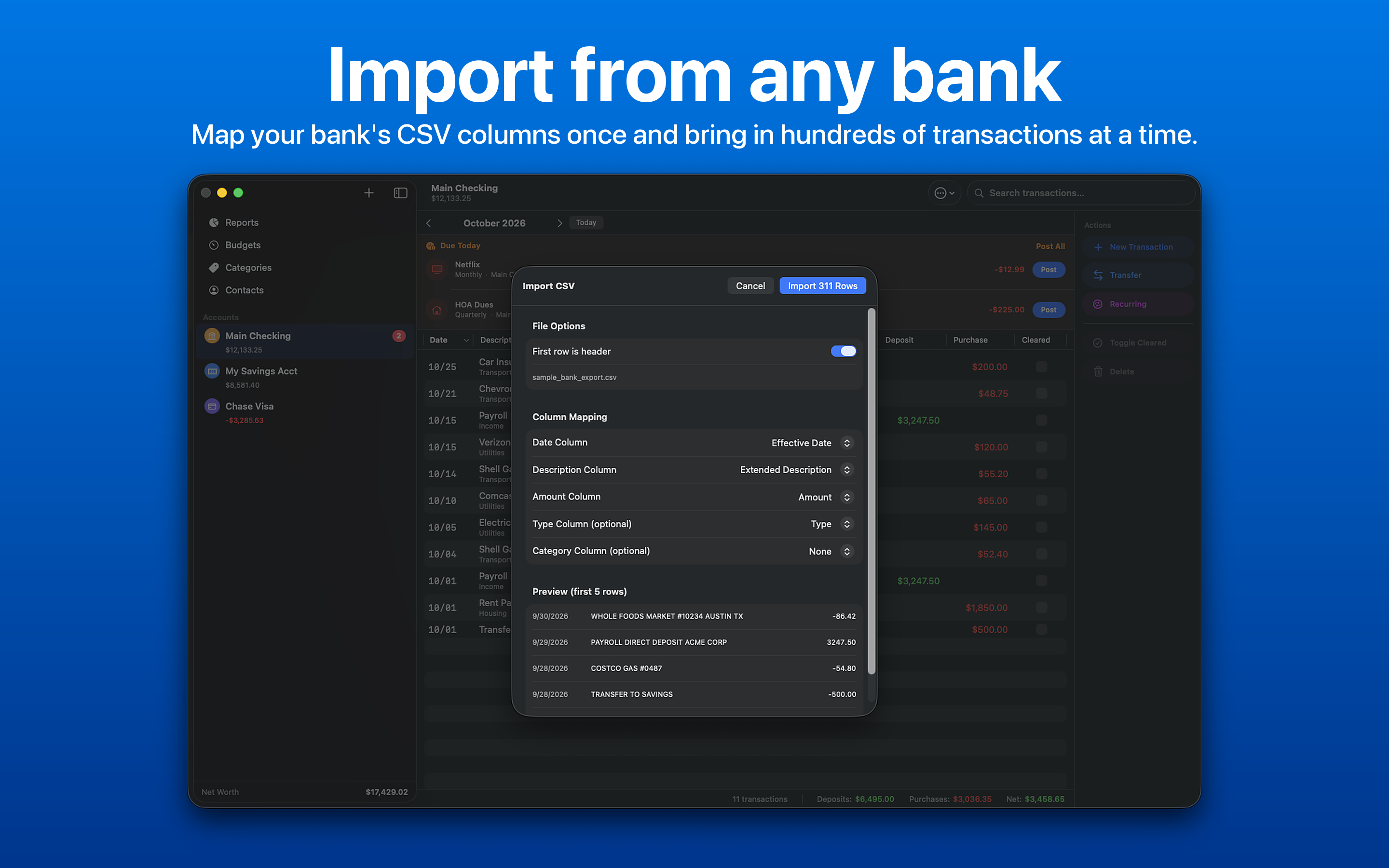
CSV import & export
Import any bank CSV export with smart column mapping, or export the current month to a properly formatted CSV. Print a monospaced ledger register.
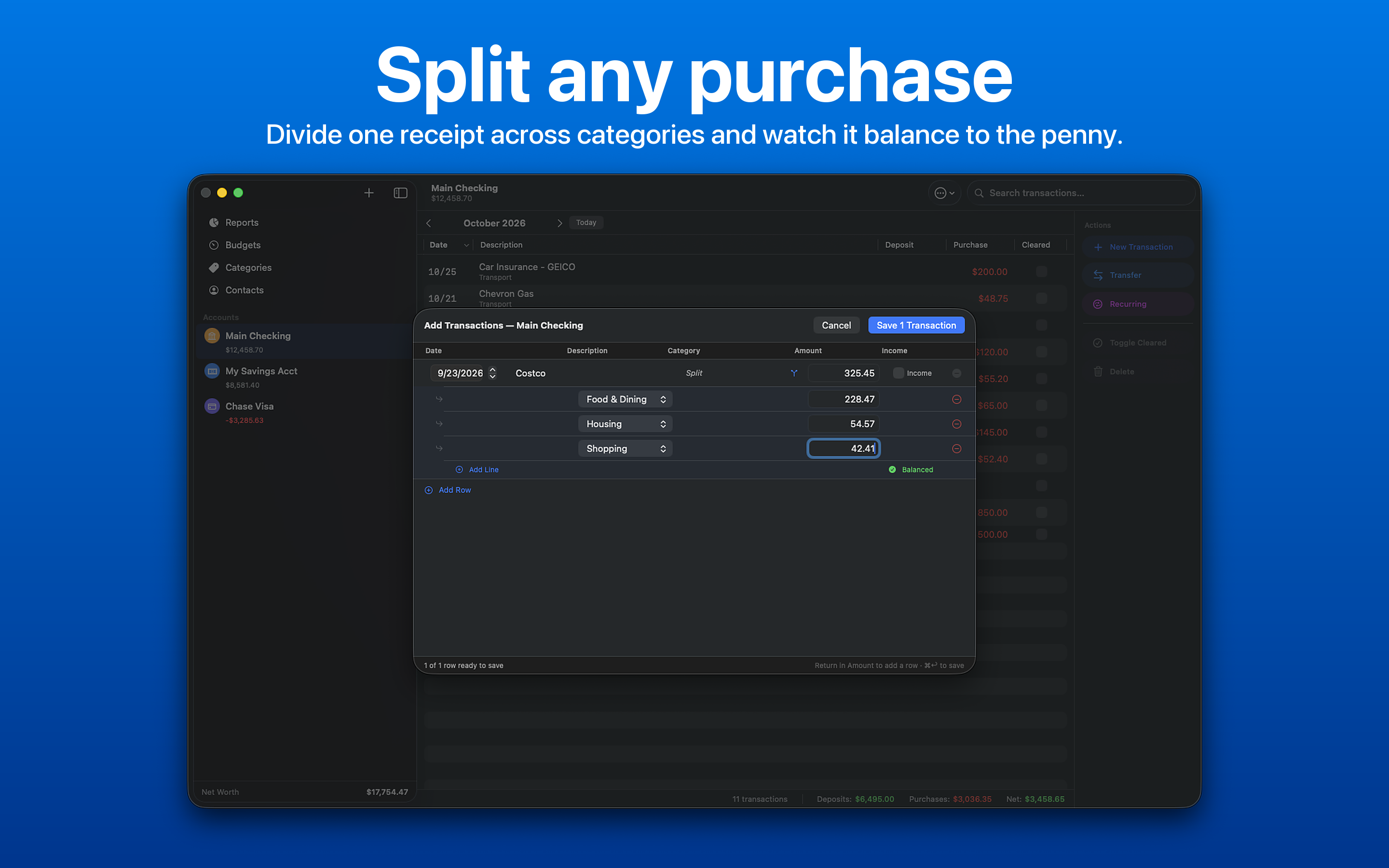
Split transactions
Divide one transaction across multiple categories, with a live remaining balance as you split.
Reports
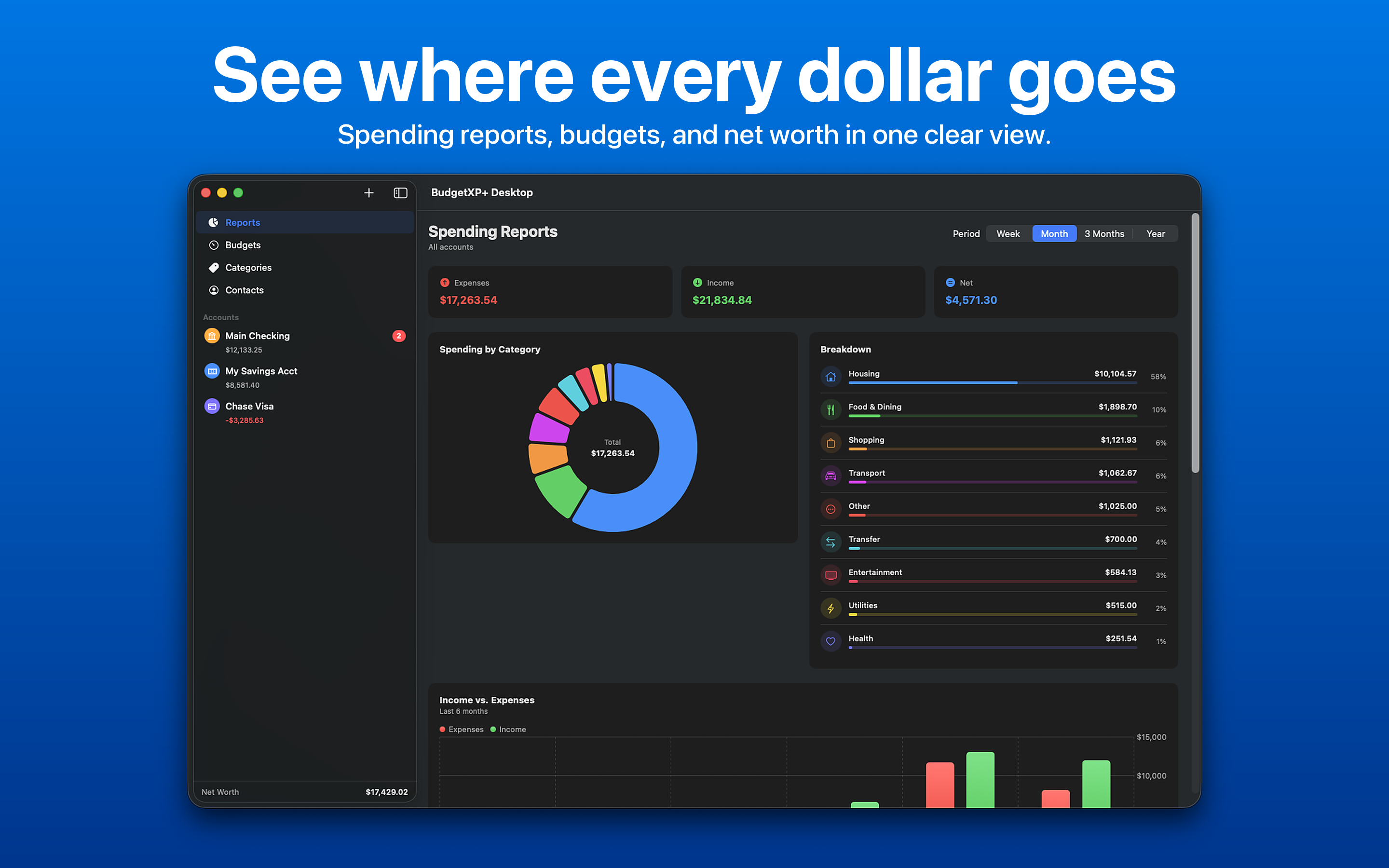
The same charts as iOS, sized for a wide desktop canvas, plus a 12-month net worth line chart.
Menu bar companion
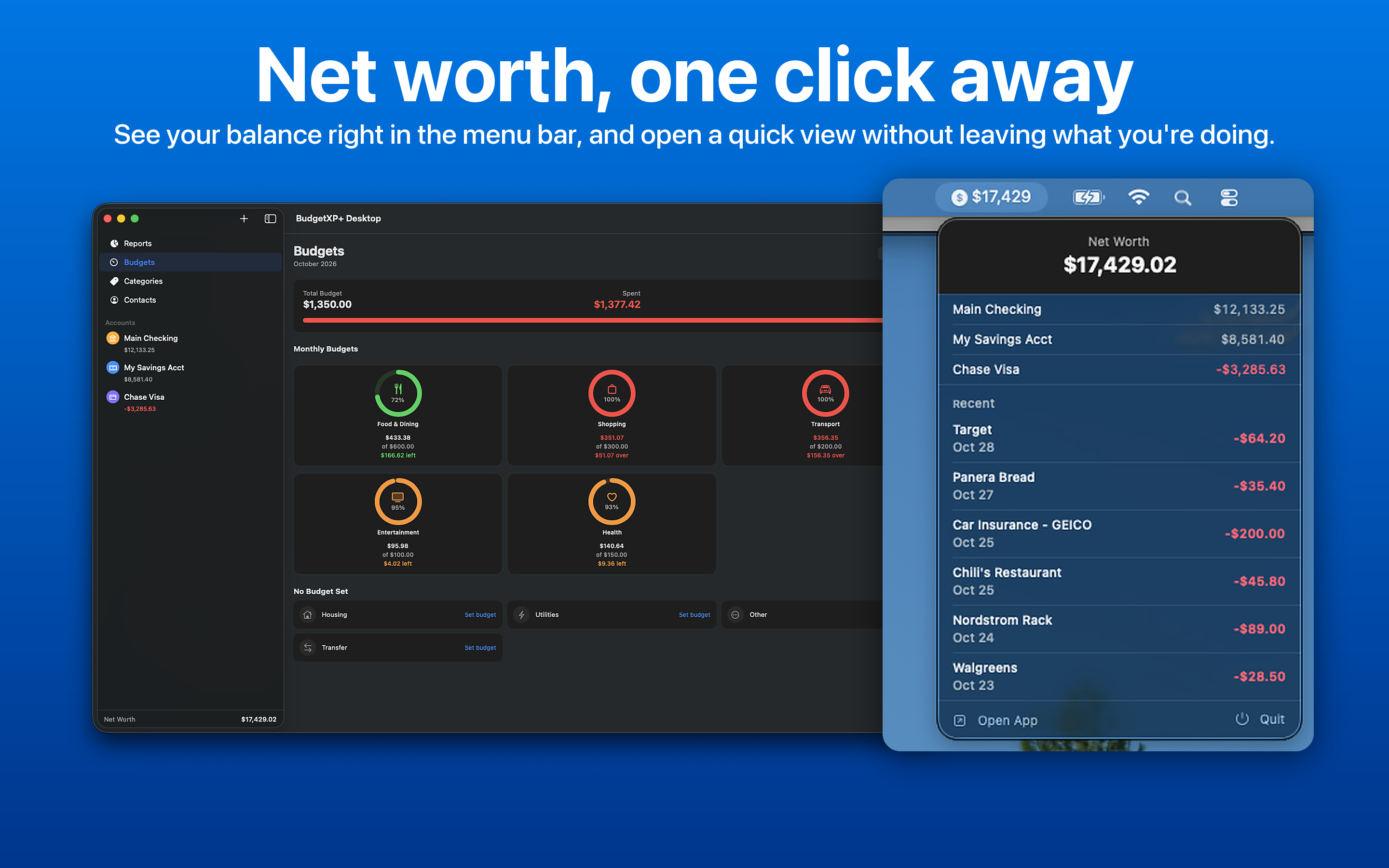
Net worth sits right in the menu bar, and one click opens a quick view of account balances and recent transactions. The number can be hidden in Settings.
Contact manager
Store business contacts for your finances, such as a banker or accountant, right alongside your accounts.
Private by design
No BudgetXP+ servers and no account. Data syncs through the user's own iCloud with the companion iPhone and iPad app.
Screenshots
Click any image to download the full-resolution 2880 x 1800 PNG.
Descriptions
BudgetXP+ Desktop is a native personal finance app for macOS with a transaction ledger, reconciliation mode, and reports, synced with BudgetXP+ on iPhone and iPad.
BudgetXP+ Desktop brings the full BudgetXP+ picture to the Mac: a sortable transaction ledger with full-text search, bank-statement reconciliation, split transactions, CSV import and export, and a 12-month net worth chart, plus a menu bar companion that keeps net worth in view and opens a quick look at balances with one click. It shares the same accounts and transactions as BudgetXP+ for iPhone and iPad, kept in sync automatically over iCloud. There are no BudgetXP+ servers or accounts. BudgetXP+ Desktop was built by independent developer Alexander Rohr as the Mac half of a personal finance app that started as a Windows desktop project twenty years ago.
Fact sheet
Rohr Software logo

The logo of Rohr Software, Alexander Rohr's independent company and the developer of BudgetXP+ Desktop. You are welcome to use it alongside coverage of BudgetXP+ Desktop. Please don't recolor or stretch it.

Press contact
For interviews, review codes for BudgetXP+ Pro, or full-resolution assets:
alex@rohrsoftware.dev
Alexander is available to talk about bringing a twenty-year-old personal finance project natively to the Mac, and building a two-platform app as a solo developer.