MealBound
Your complete home meal planning companion. Build your recipe collection, plan the week ahead, cook step by step, and shop by aisle.
Free to download · MealBound Pro $4.99 one-time · iPhone, iPad, and Apple Watch
Your complete home meal planning companion. Build your recipe collection, plan the week ahead, cook step by step, and shop by aisle.
Free to download · MealBound Pro $4.99 one-time · iPhone, iPad, and Apple Watch
MealBound started from how much I disliked making a weekly meal plan. Now there's an app that can make that decision for us: we entered our own recipes, and MealBound can search the web for new ideas when we need fresh ones.
With a family of picky eaters, we also wanted the freedom to tweak any recipe to our liking, so every recipe stays fully editable. And a grocery list we can check off as we shop means we stop forgetting what we came for.
Alexander Rohr, developer
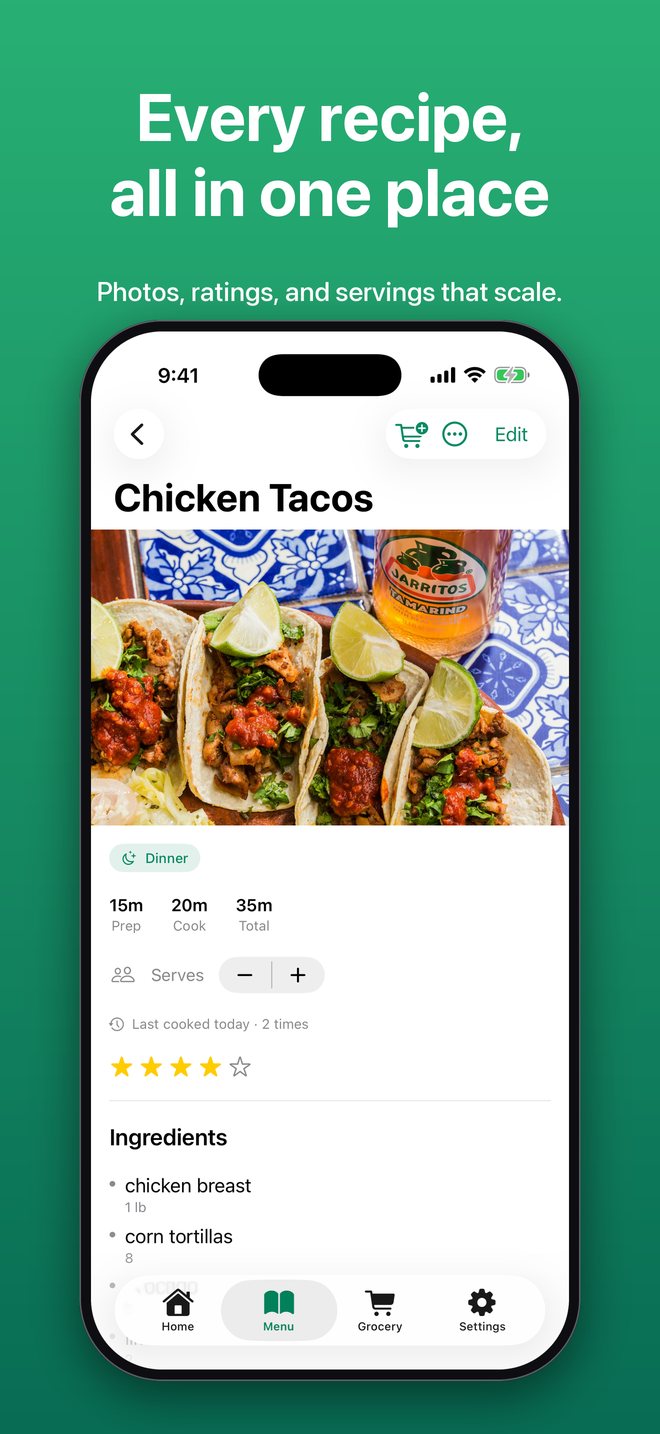
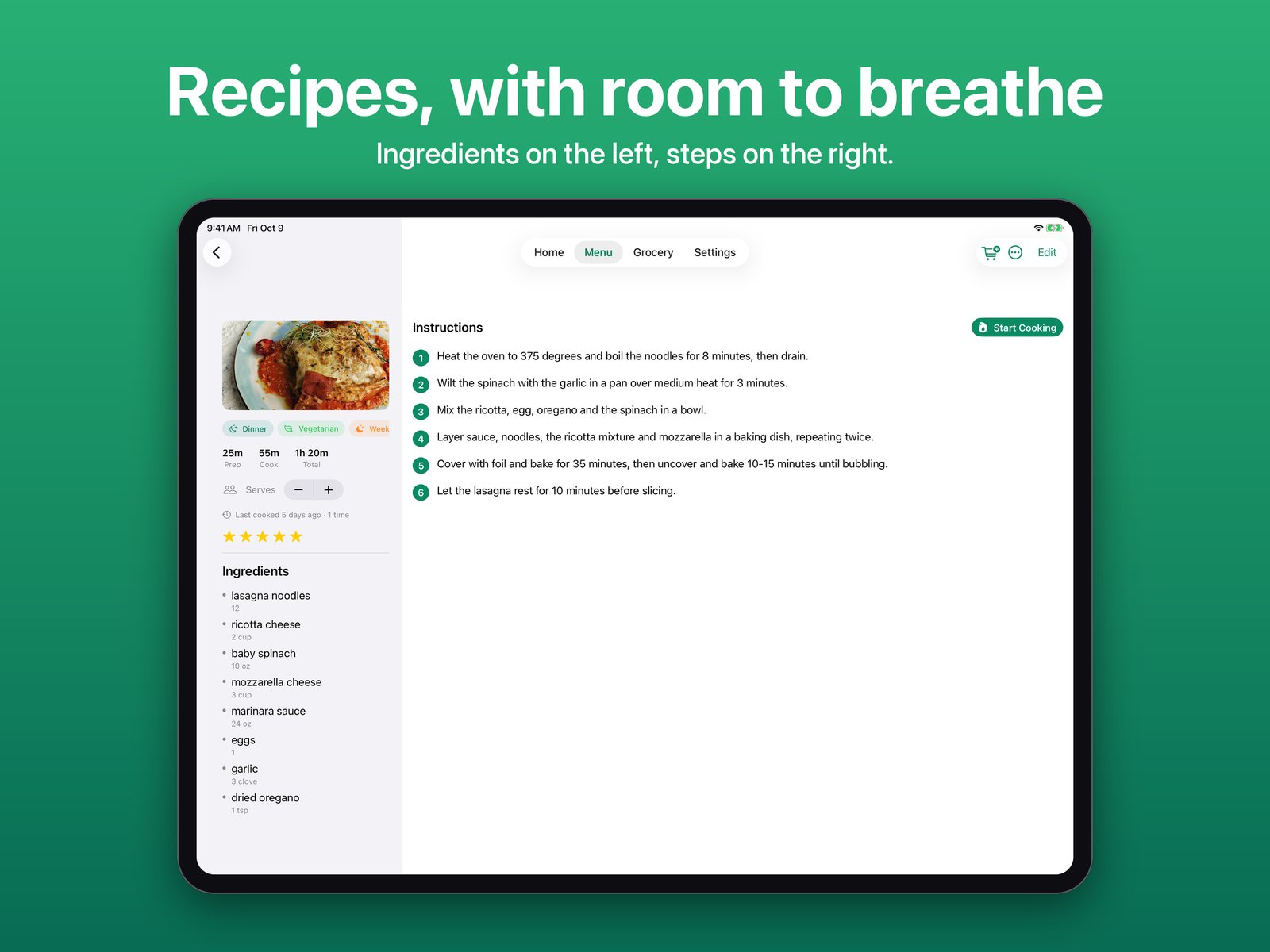
Store recipes with photos, ingredients, step-by-step instructions, ratings, and notes.
Paste a recipe link or snap a photo of a printed recipe, and MealBound fills in the title, ingredients, and directions.
Search recipes from online recipe databases, with nutrition, dietary tags, and serving size, and add any of them to your library in one tap.
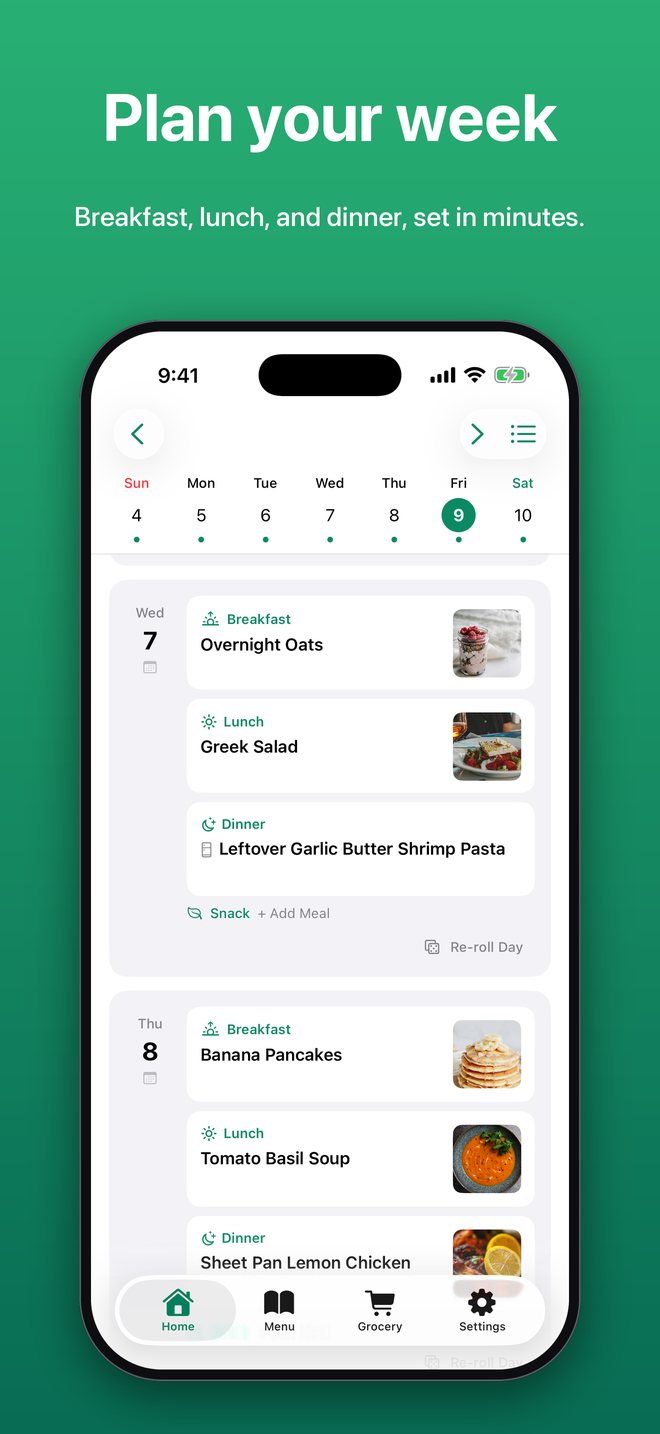
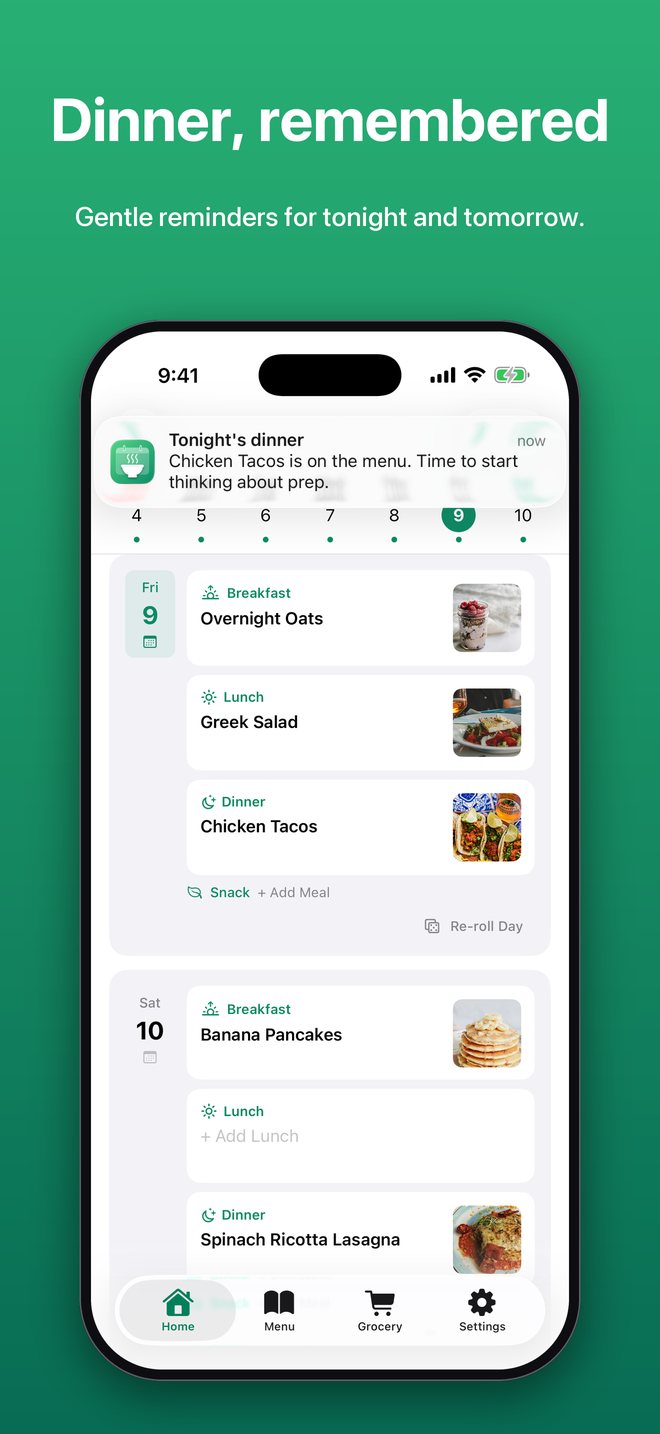
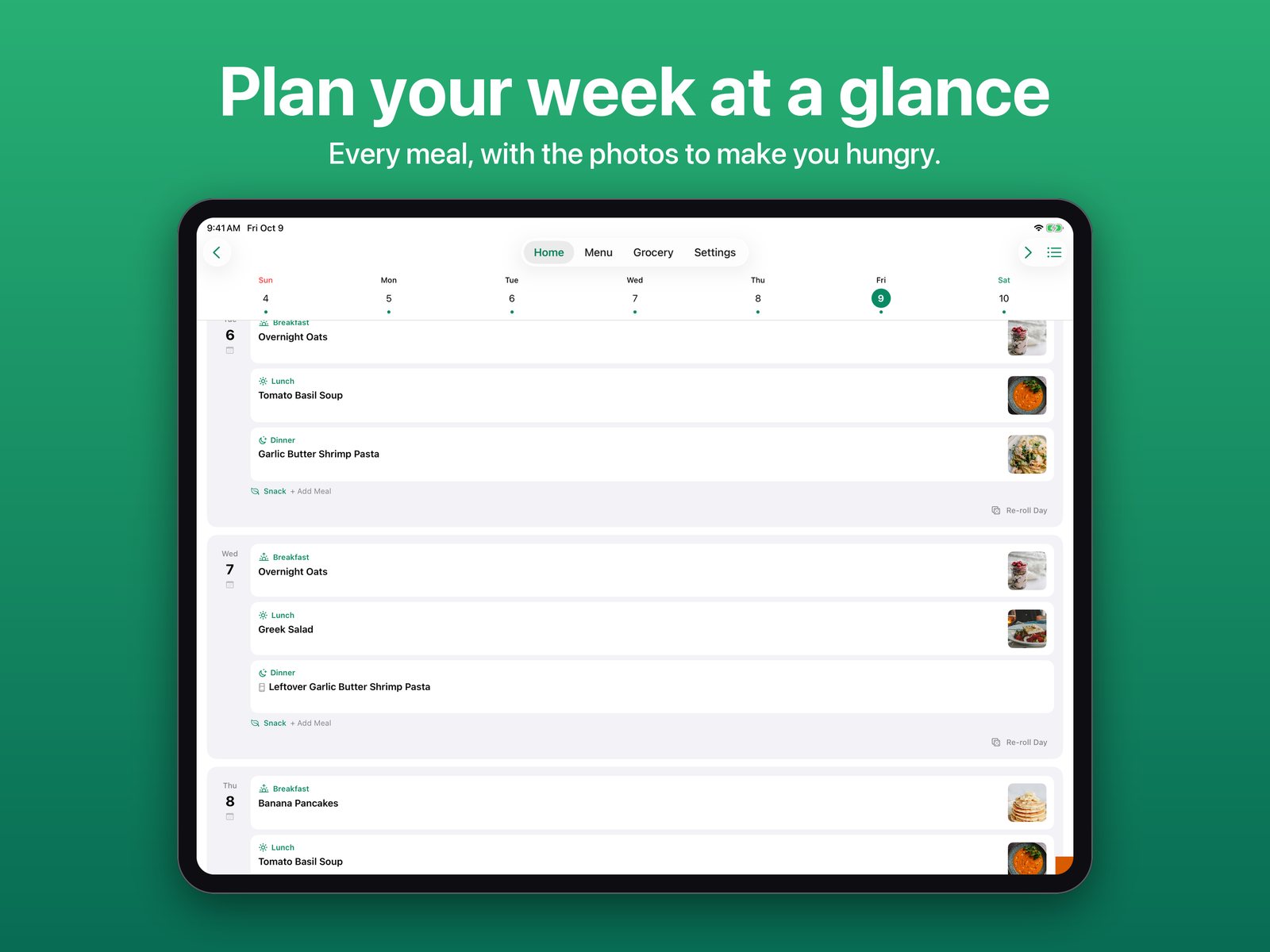
Map out breakfast, lunch, dinner, snacks, and desserts on a scrollable day-by-day canvas.
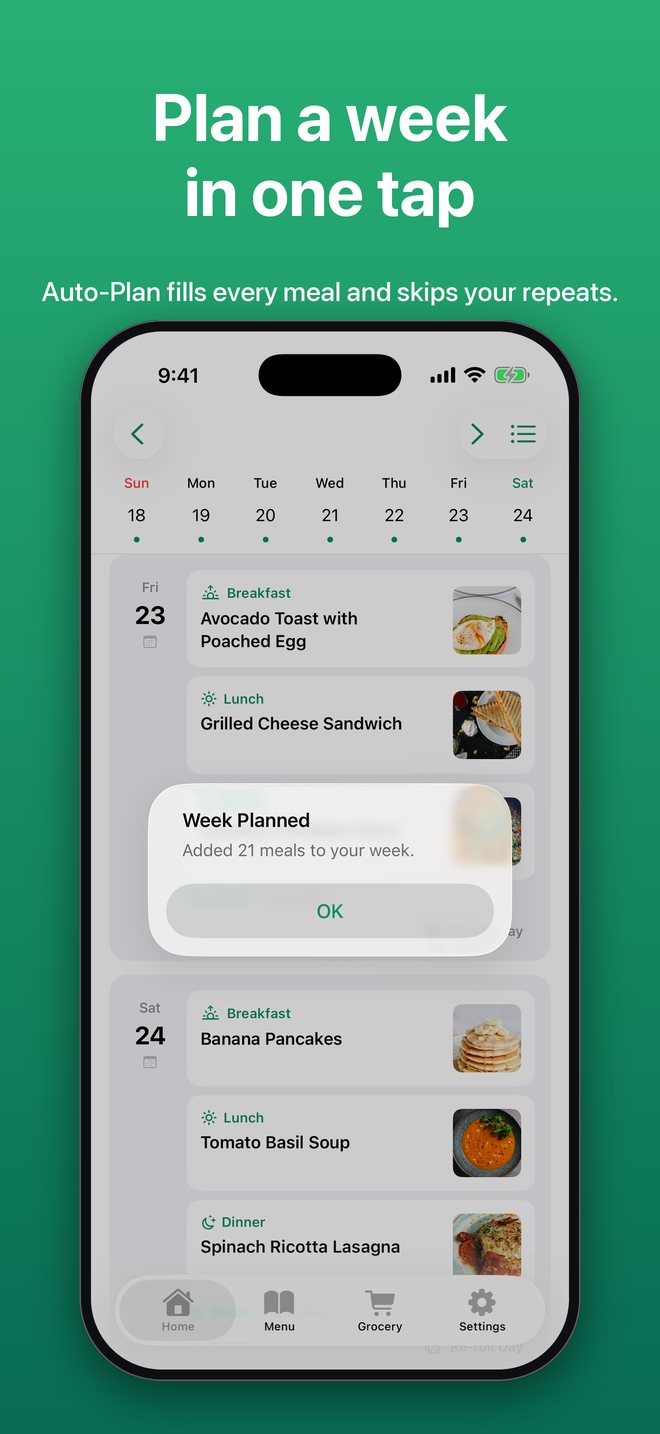
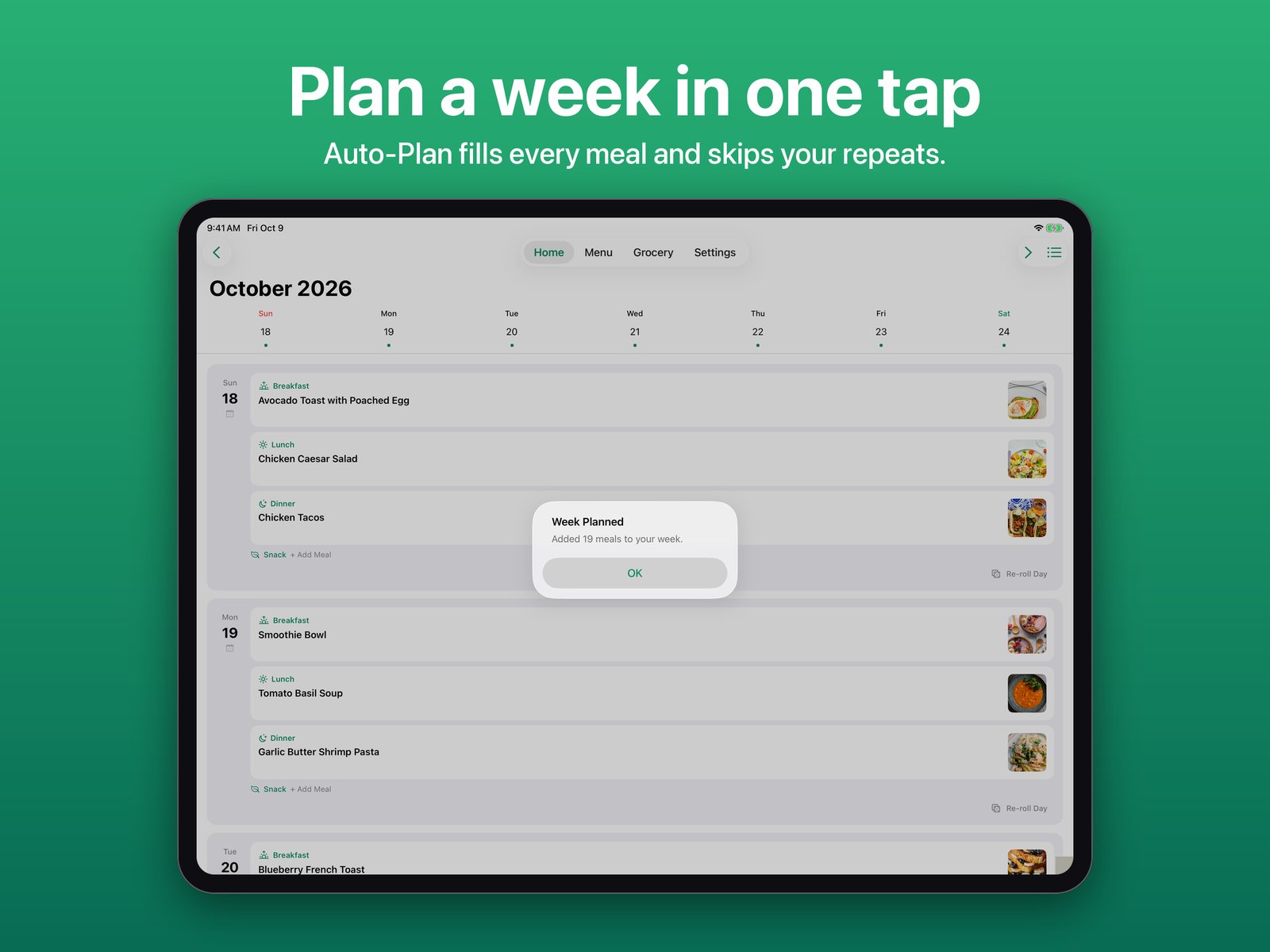
Fill your entire week in one tap, respecting no-repeat windows, busy-slot preferences, and weekend-only recipes.
Repeat last week's plan on the week you are looking at. Only empty slots are filled, so nothing you planned gets replaced.
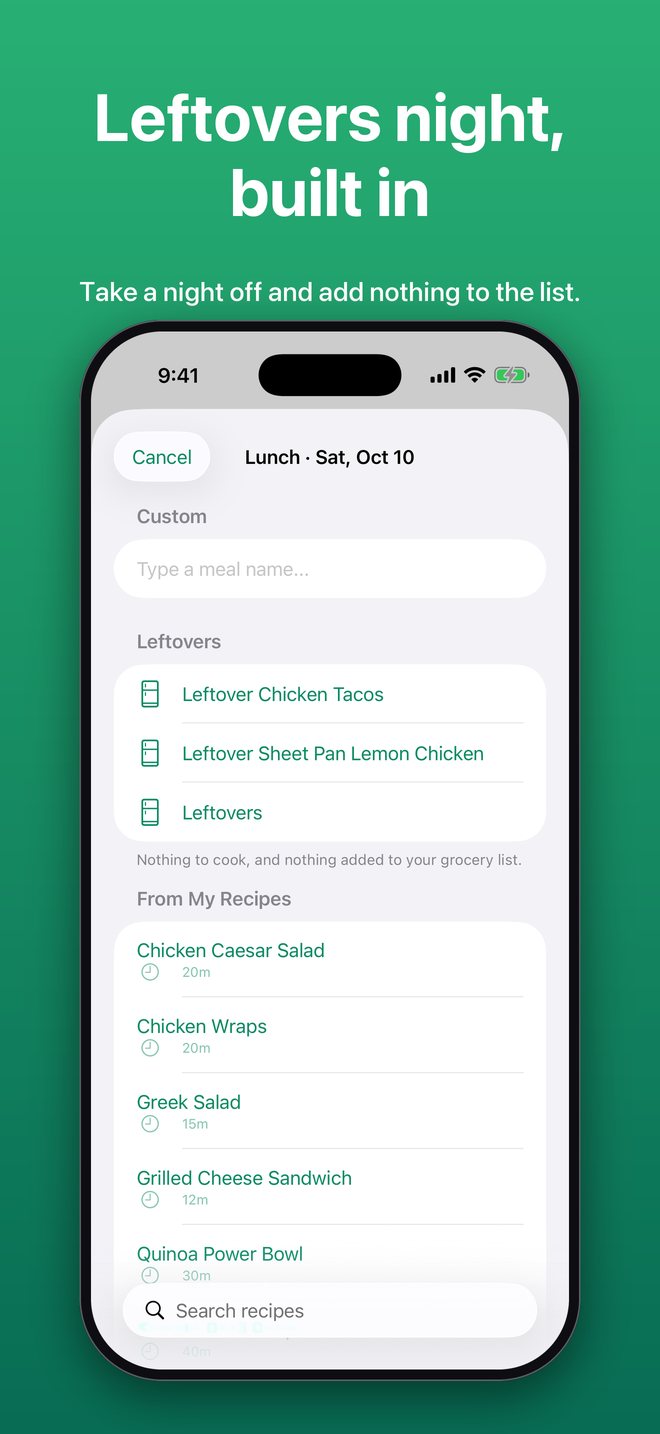
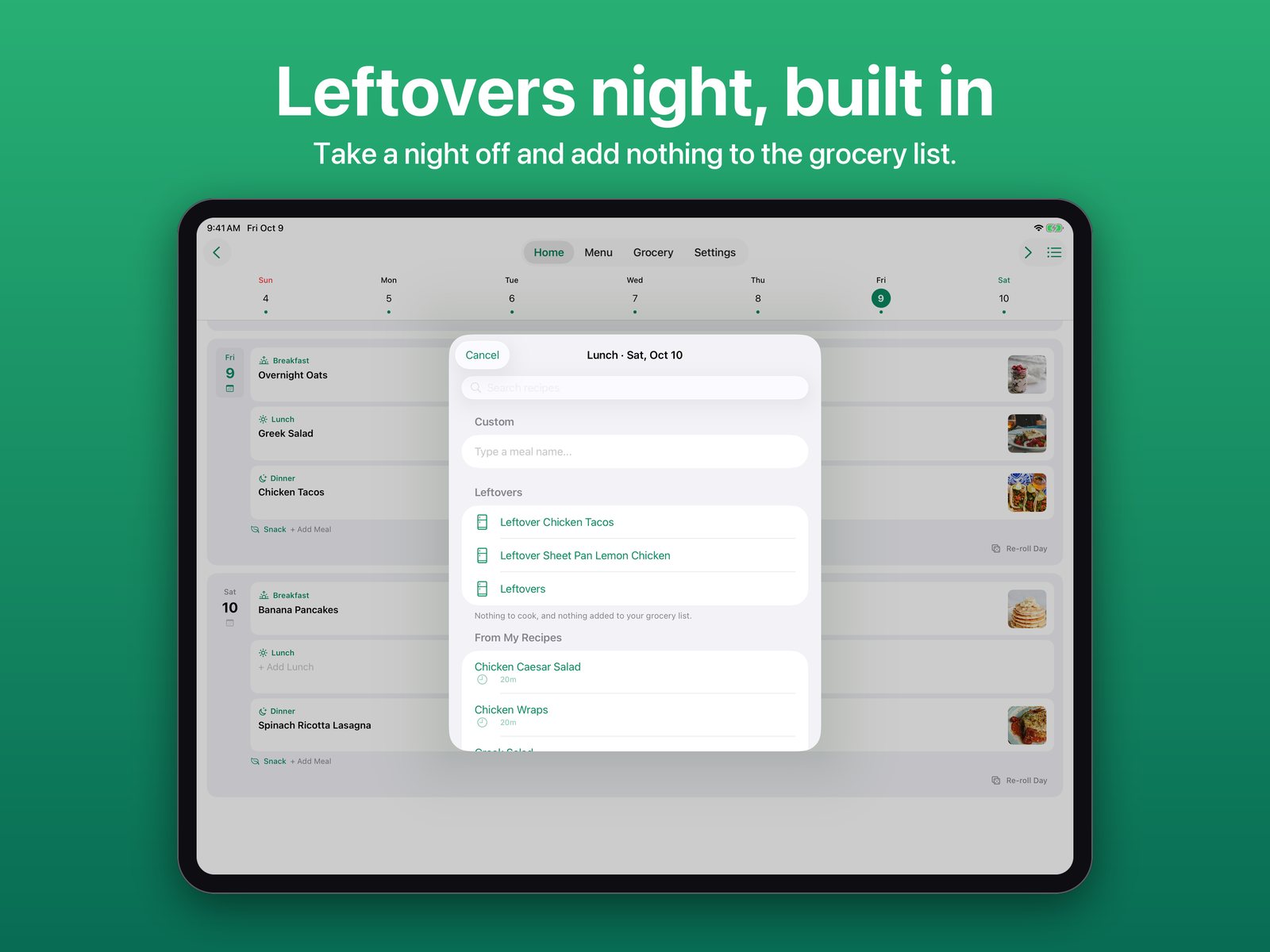
Mark a meal as leftovers, with suggestions from the last two nights, or pick a night for Auto-Plan to leave open. Leftovers add nothing to your grocery list.
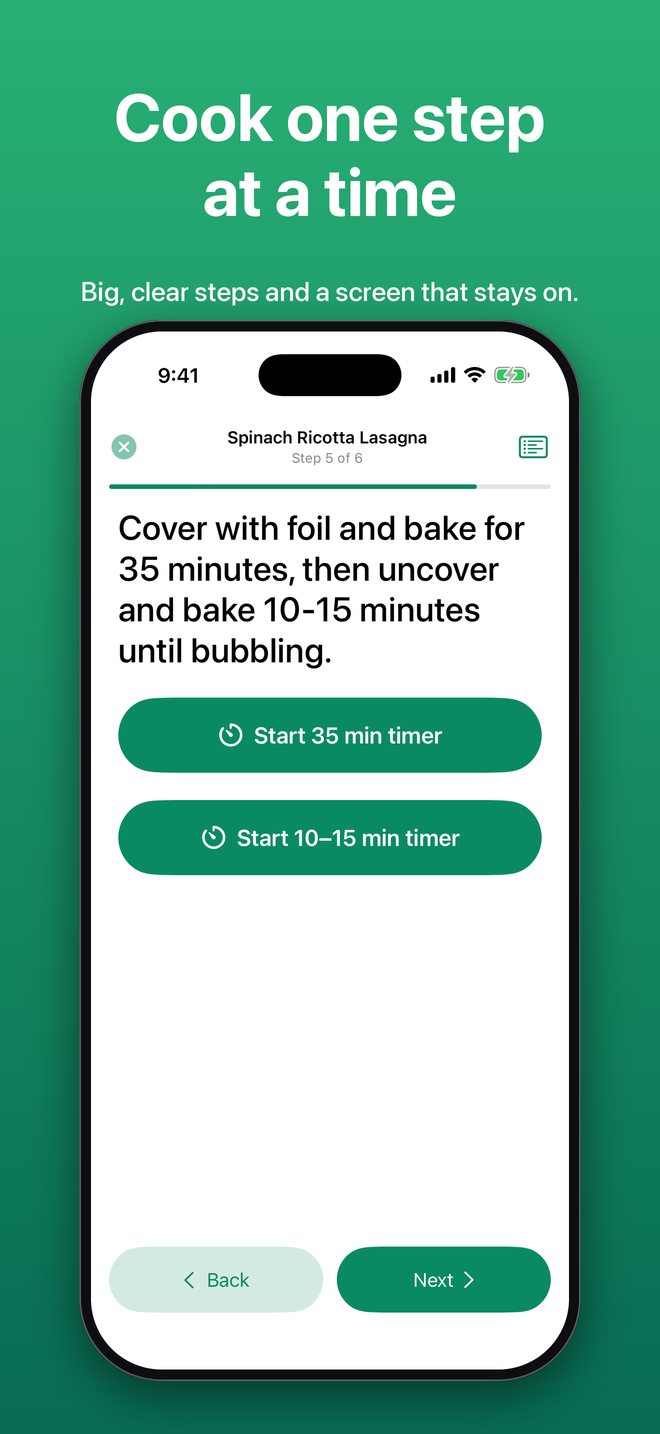
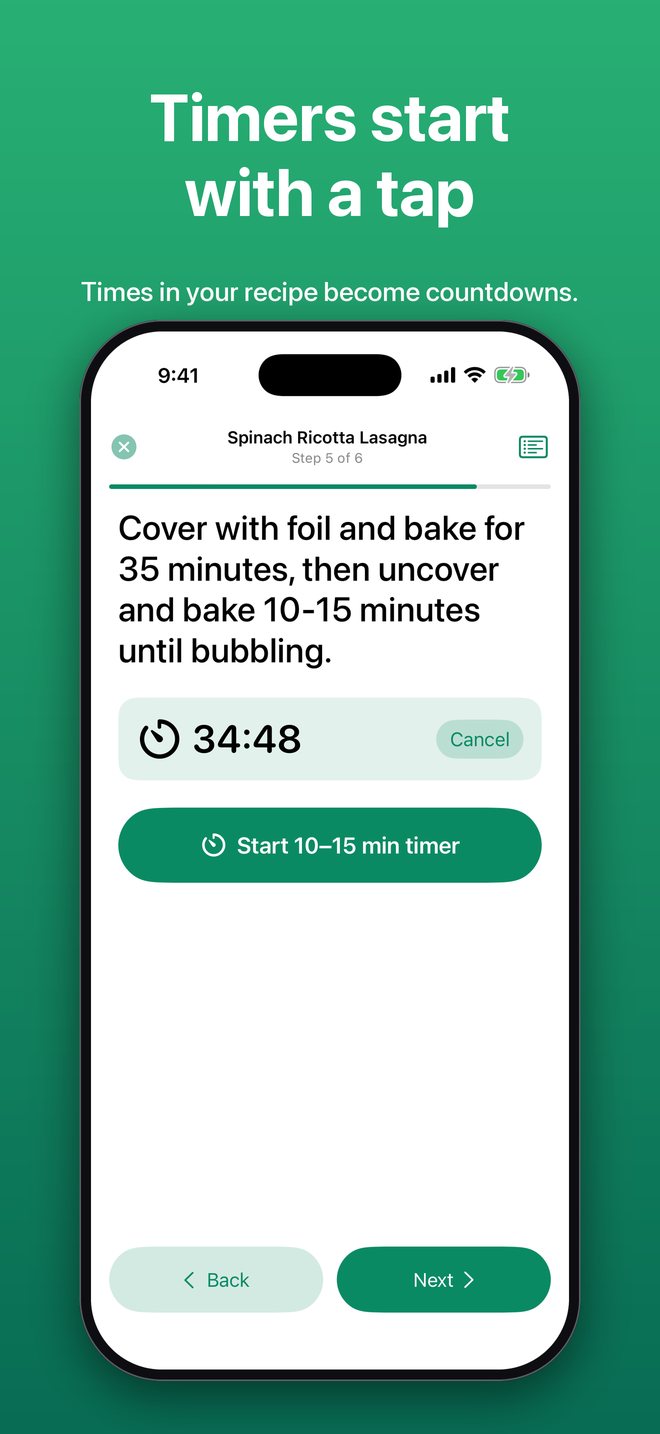
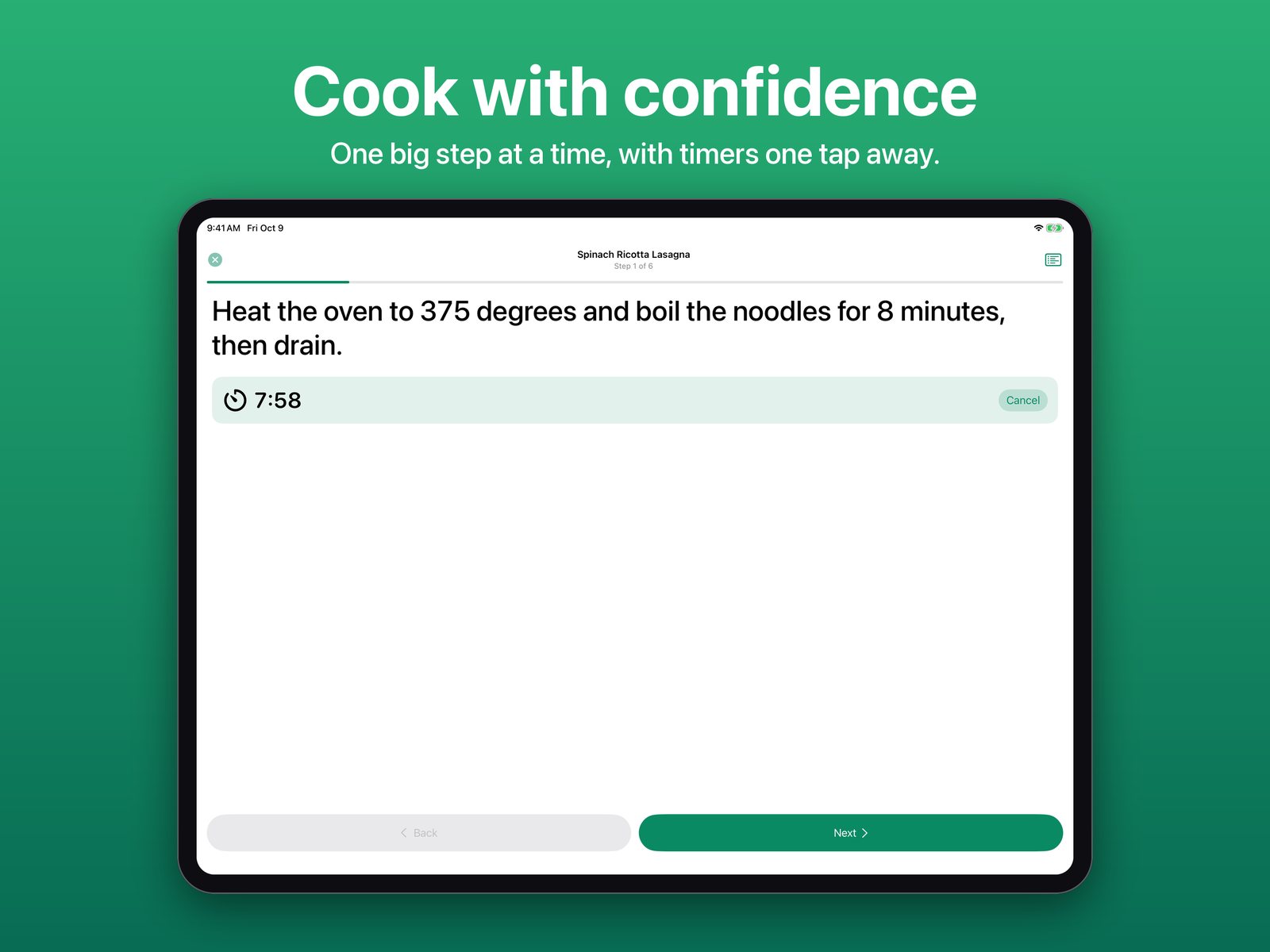
Cook one big step at a time with the screen kept awake. Times in a step, like "simmer 20 minutes", become one-tap timers that alert you even if the app is in the background.
Generate a shopping list from your meal plan with ingredients merged and deduplicated, split automatically by your shopping days.
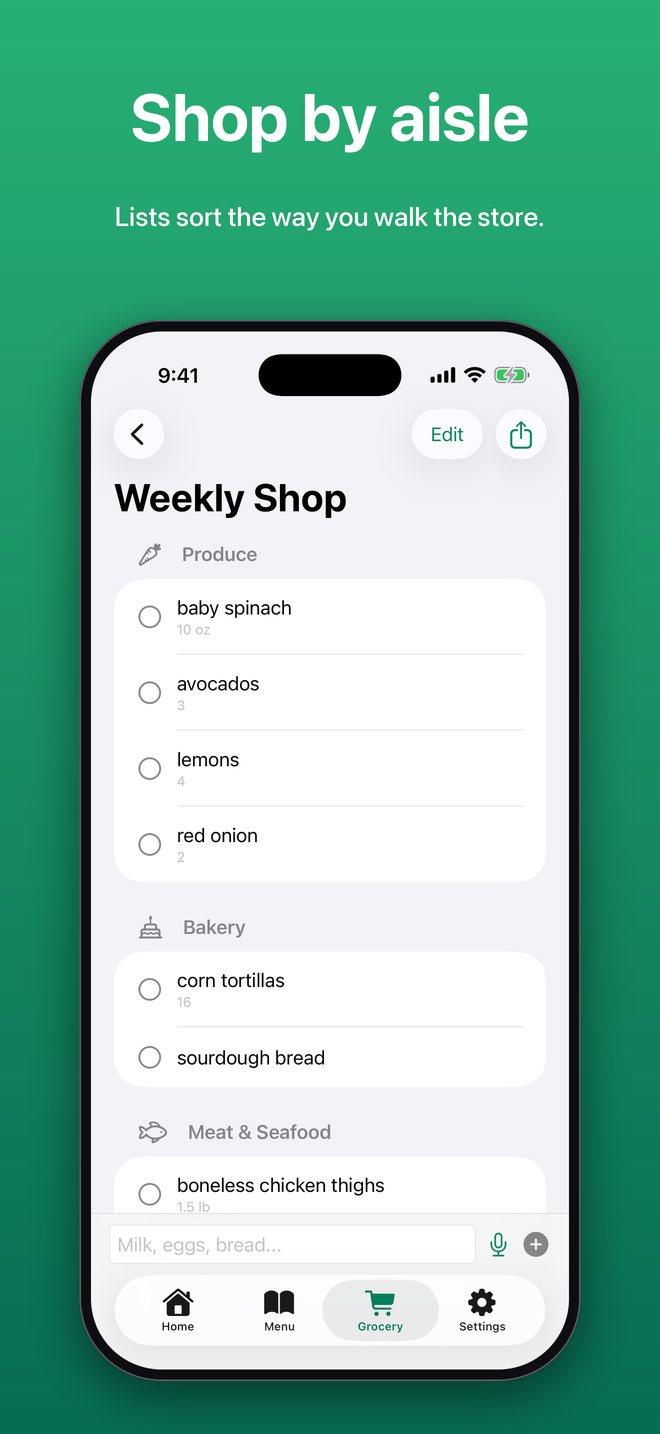
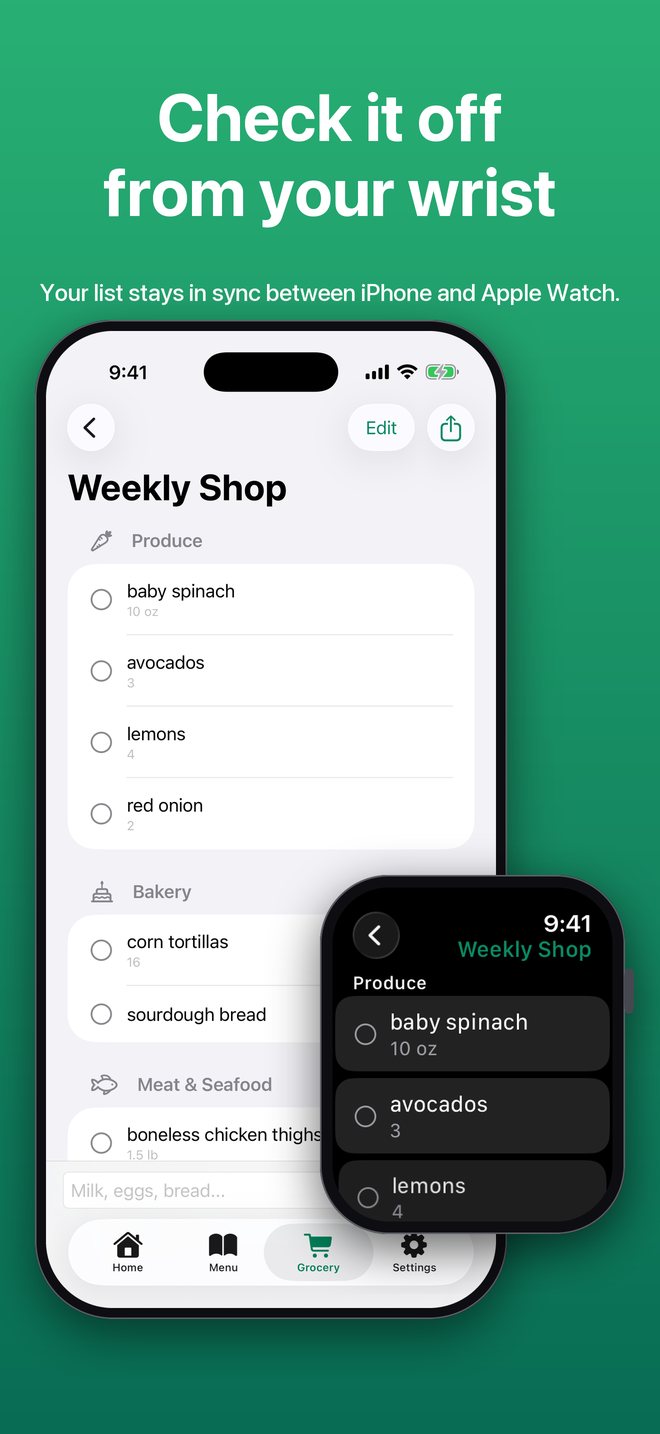
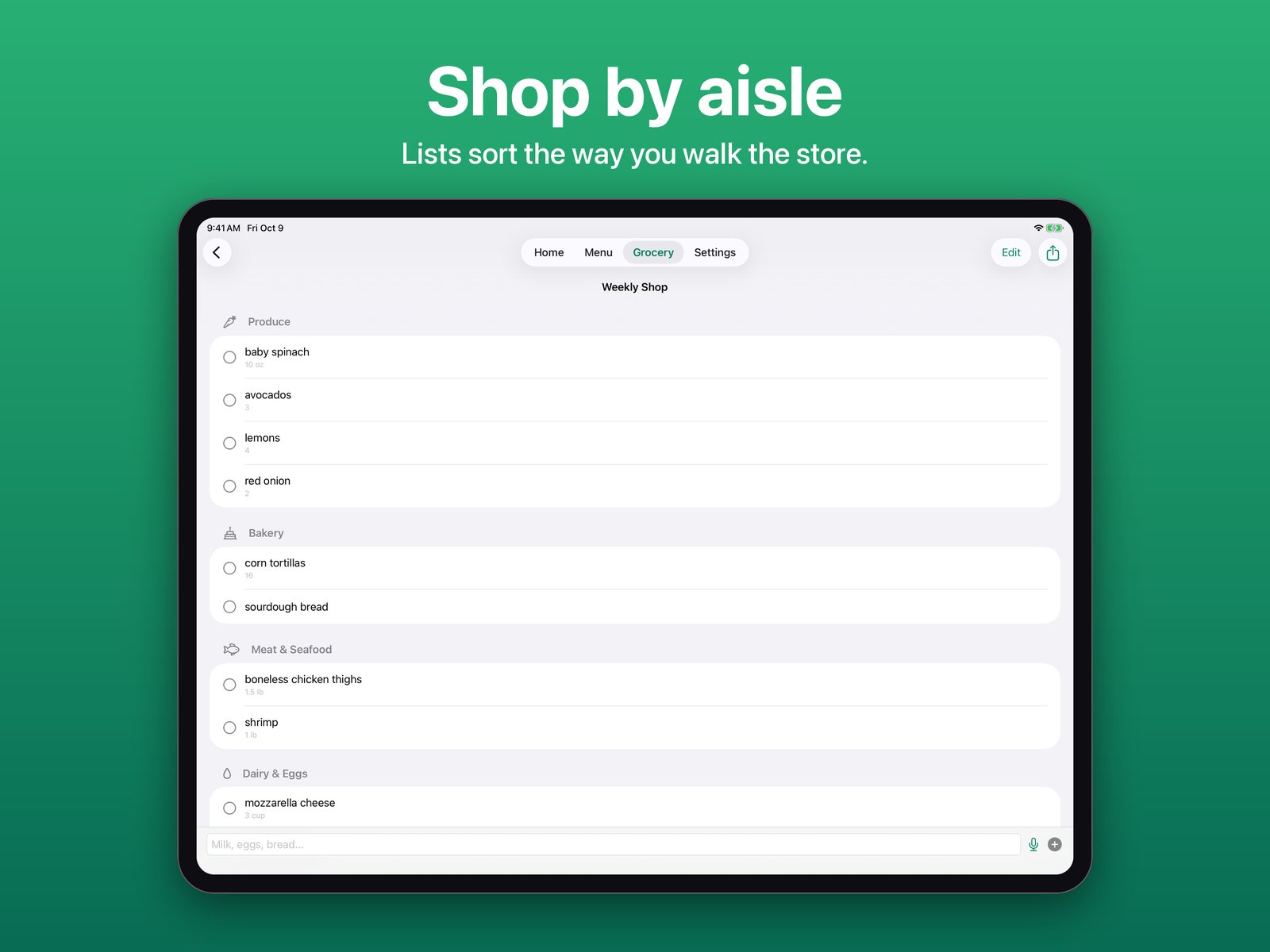
Lists group into store sections like Produce, Dairy, and Pantry, in the order you walk the store. Change any item's aisle yourself.
Salt, oil, and other things you always have stay off generated lists. Edit the list in Settings, or swipe an item to say you always have it.
Add grocery items by speaking or with one-tap quick-add chips for common items.
Get a note with tonight's dinner, and a heads-up the evening before listing tomorrow's meals, so there is time to thaw or prep.
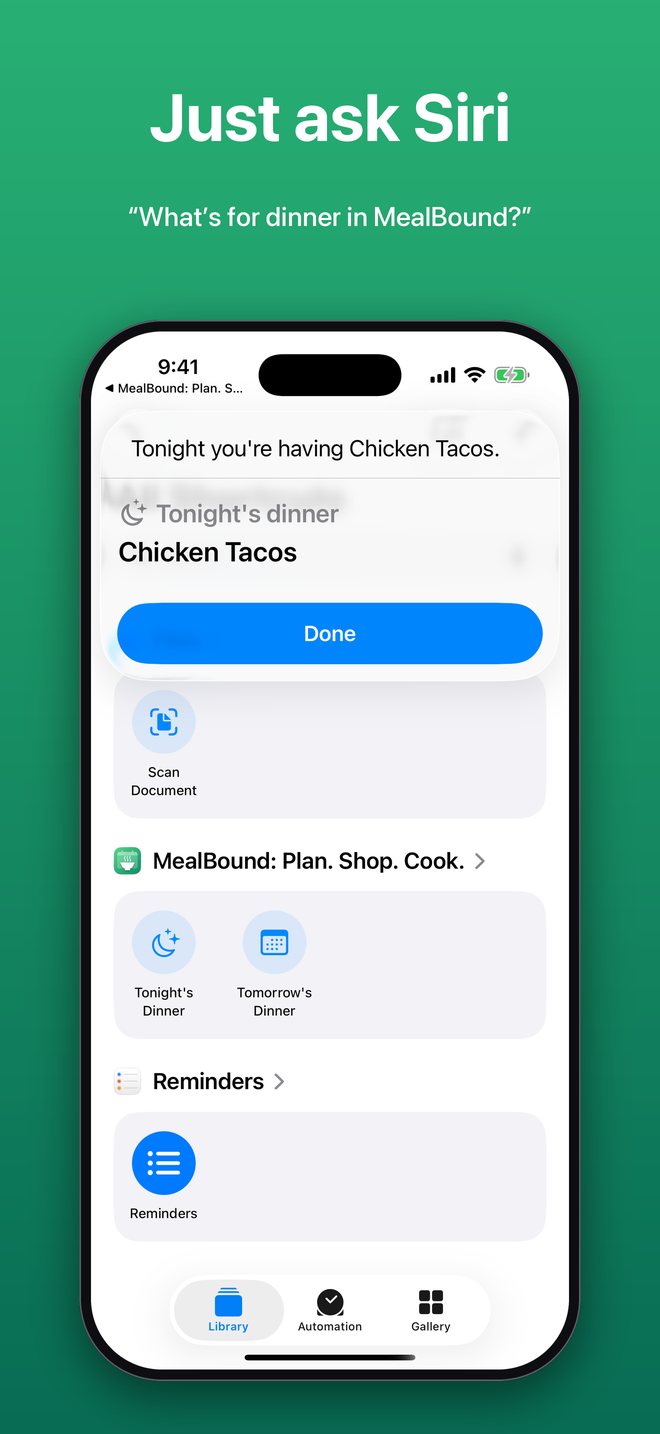
Say "What's for dinner in MealBound?" to hear tonight's plan, or ask about tomorrow, without opening the app.
See the next few days of meals and check items off your grocery list from your wrist. Checks sync back to your iPhone.
Send a grocery list to Reminders so you can check it off while shopping, share it by AirDrop or Messages, or print a weekly meal plan for the fridge.
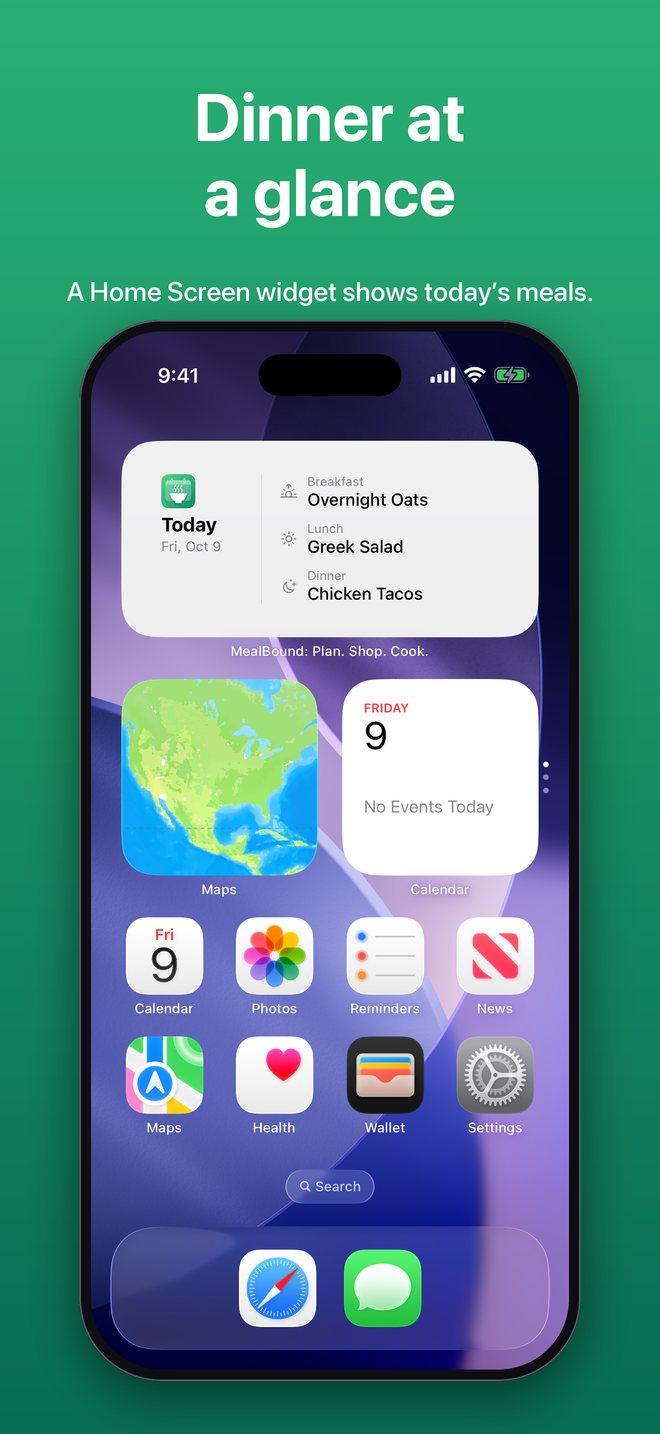
See today's and tomorrow's meals at a glance without opening the app.
MealBound has no account to create and no servers of its own. Your recipes, meal plan, and grocery lists are stored on your device and sync through your own iCloud, so they're available on your iPhone and iPad. MealBound never sees them. Reminders and timers are scheduled on your device, and your Apple Watch gets its information straight from your iPhone.
Searching Discover or importing from a web address sends only your search terms or that address to find the recipe. MealBound works fully offline otherwise.
Everything you need to get started.
Everything unlocked, forever.