Scumble
A layered image editor for the Mac. Paint, select, add text, adjust colors, and apply effects, with every edit undoable.
Free to download · Scumble Pro one-time purchase · macOS 15.6 or later · Works offline · No account
A layered image editor for the Mac. Paint, select, add text, adjust colors, and apply effects, with every edit undoable.
Free to download · Scumble Pro one-time purchase · macOS 15.6 or later · Works offline · No account
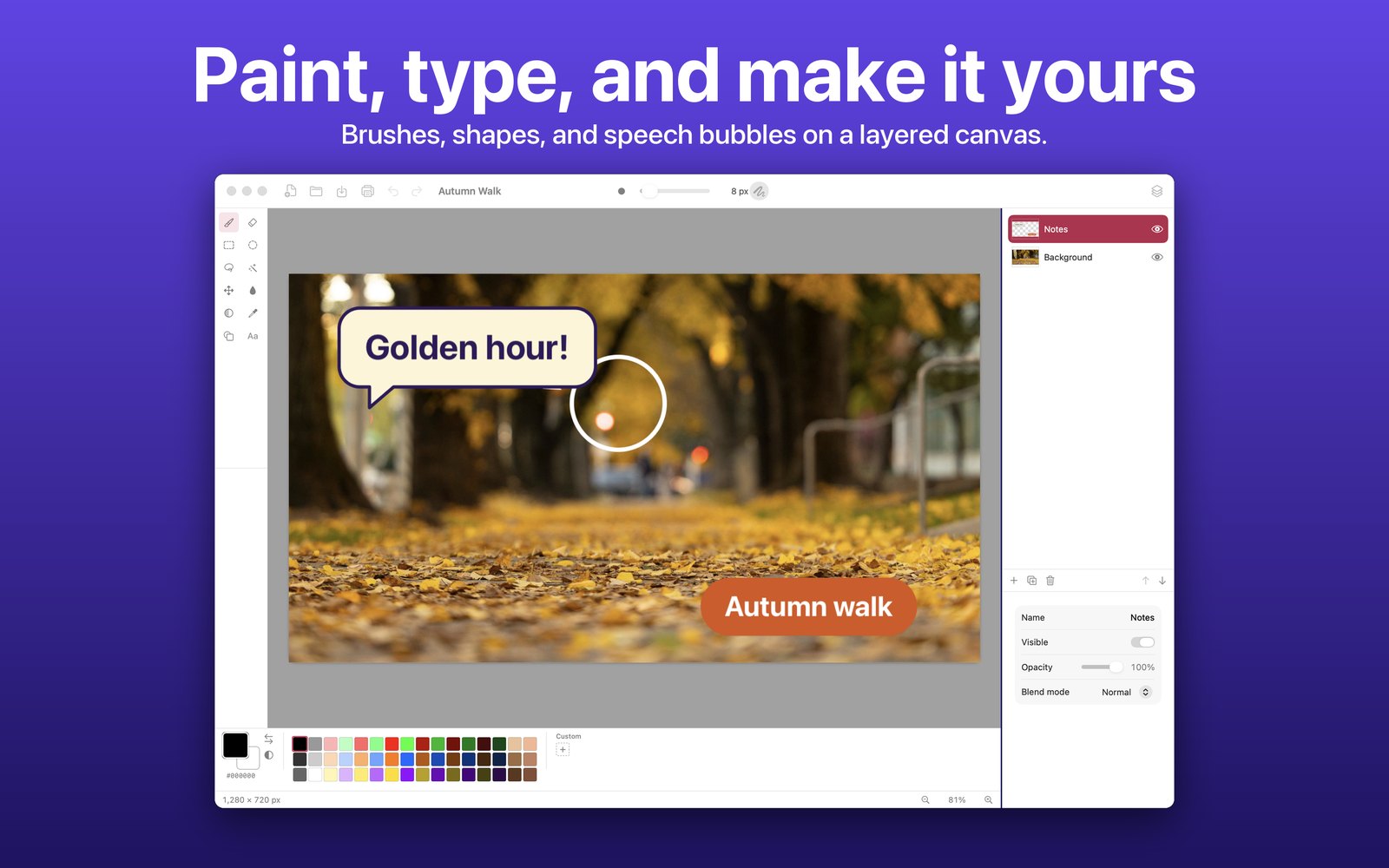
Scumble is for the quick work that doesn't need a heavyweight editor: cropping a screenshot, touching up a photo, adding a caption or a speech bubble, cutting something out, or making a small piece of artwork.
It keeps your picture in layers, so you can change your mind, and everything you do can be undone. It works on your Mac alone, with no account to create and no internet connection needed.
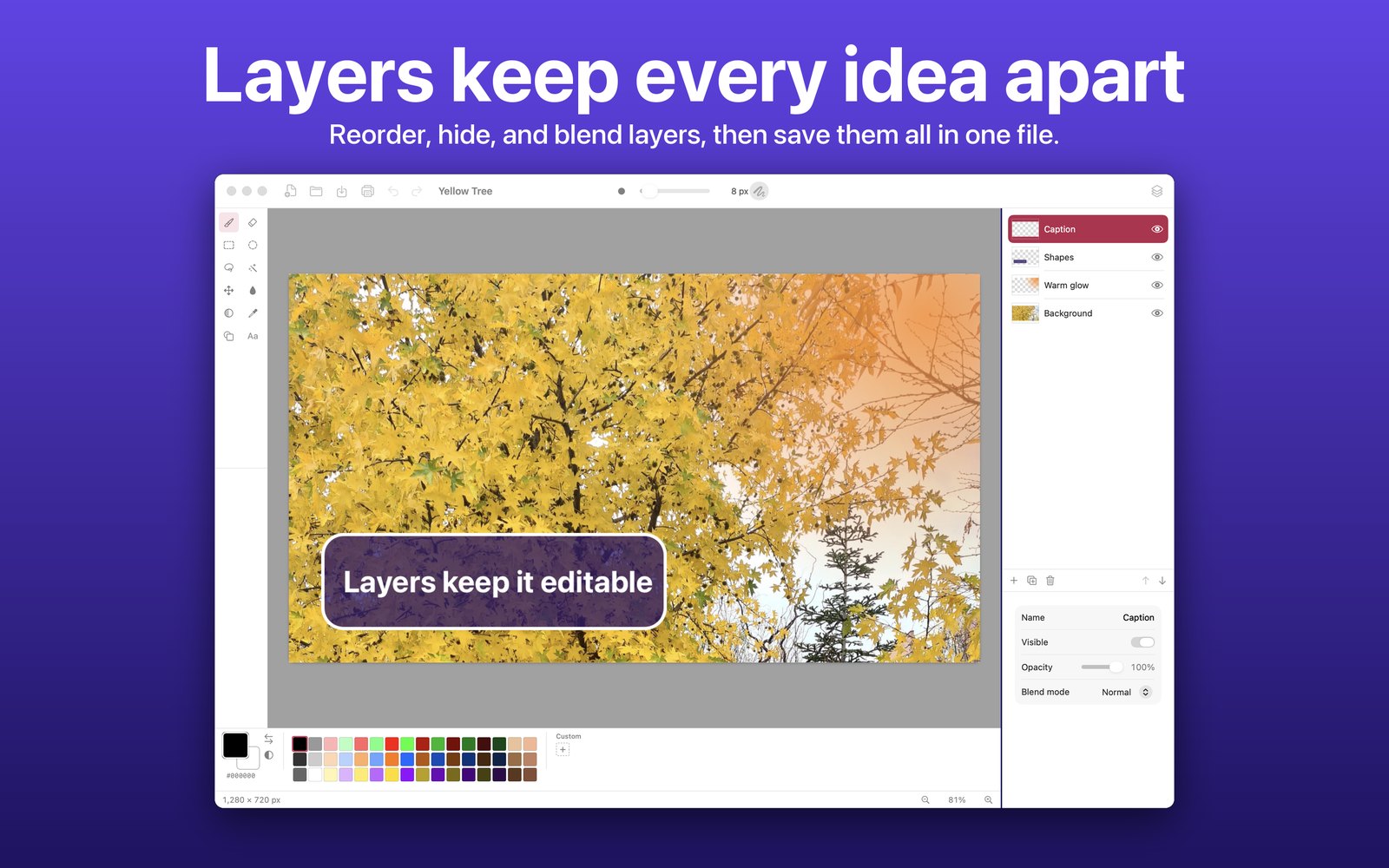
Add, duplicate, merge, reorder by dragging, hide, and set each layer's opacity and blend mode.
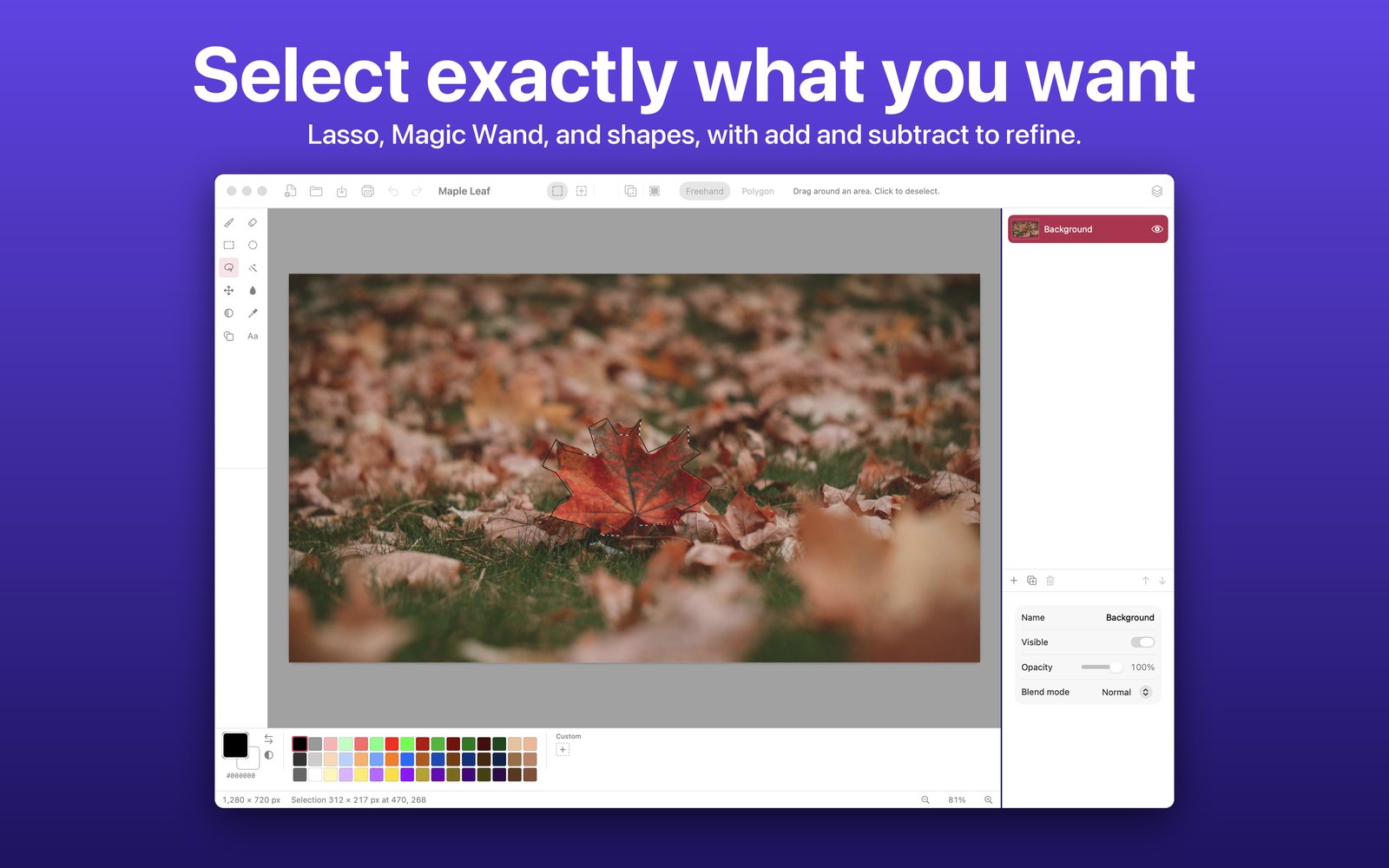
Rectangle and ellipse selections. Cut, copy, paste, fill, erase, or crop to the selection, and painting stays inside it.
A paintbrush and eraser with adjustable width, and a paint bucket with a tolerance setting.
Add plain text, a speech bubble, or a pill. Choose the size, bold, text color, and background color, and drag it into place.
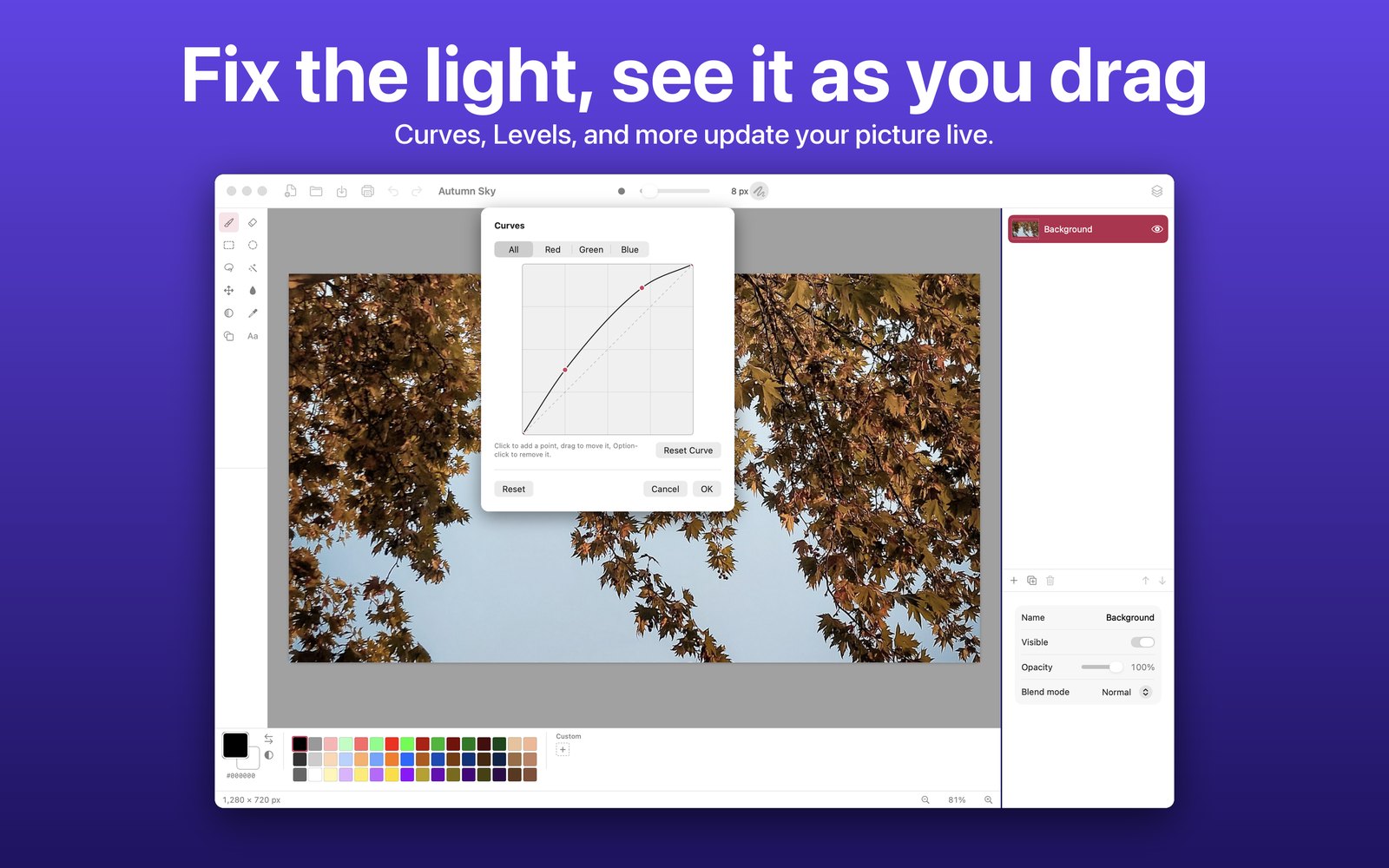
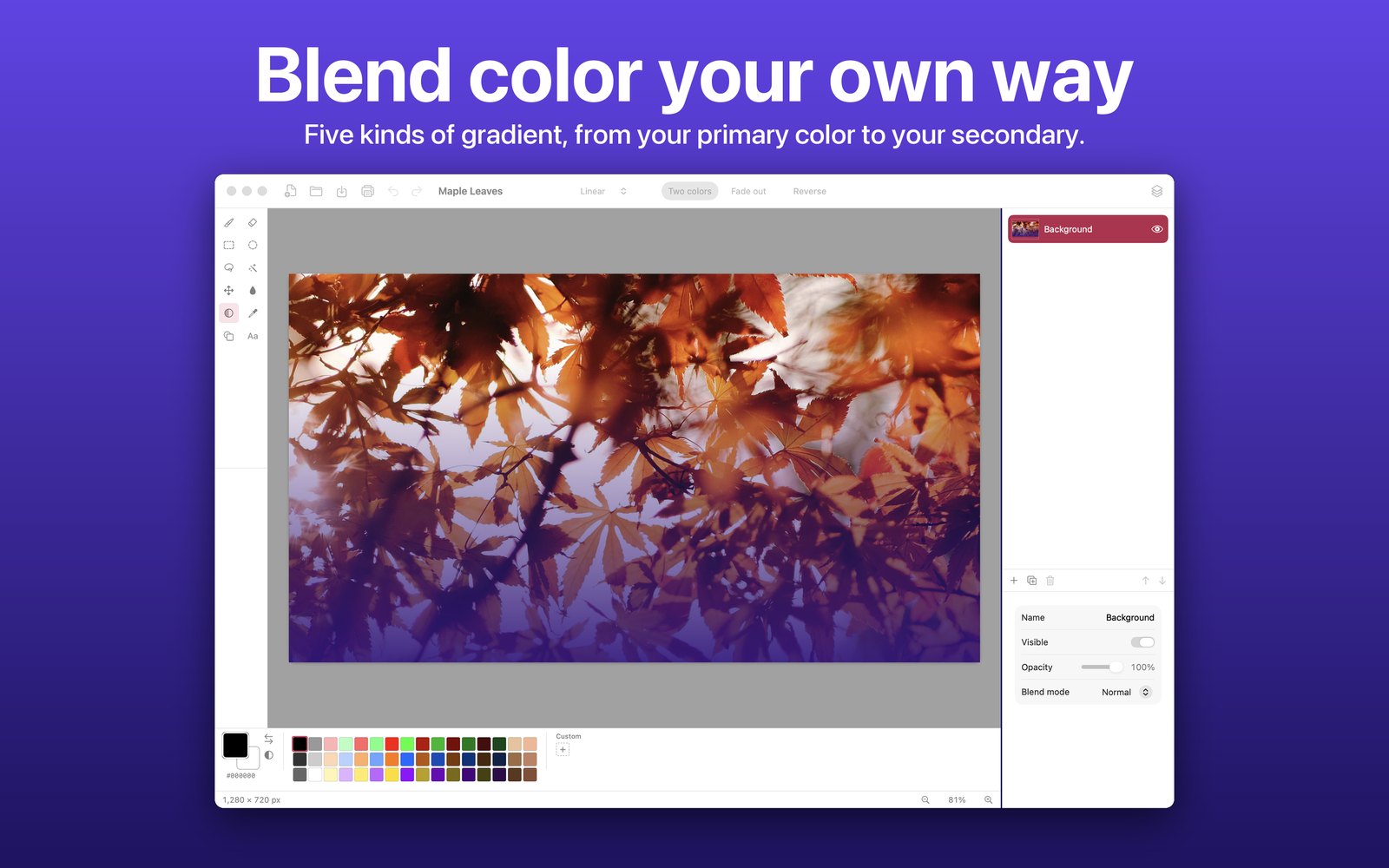
Curves, Levels, Hue / Saturation, Exposure, Brightness / Contrast, and more, each with a live preview on your picture.
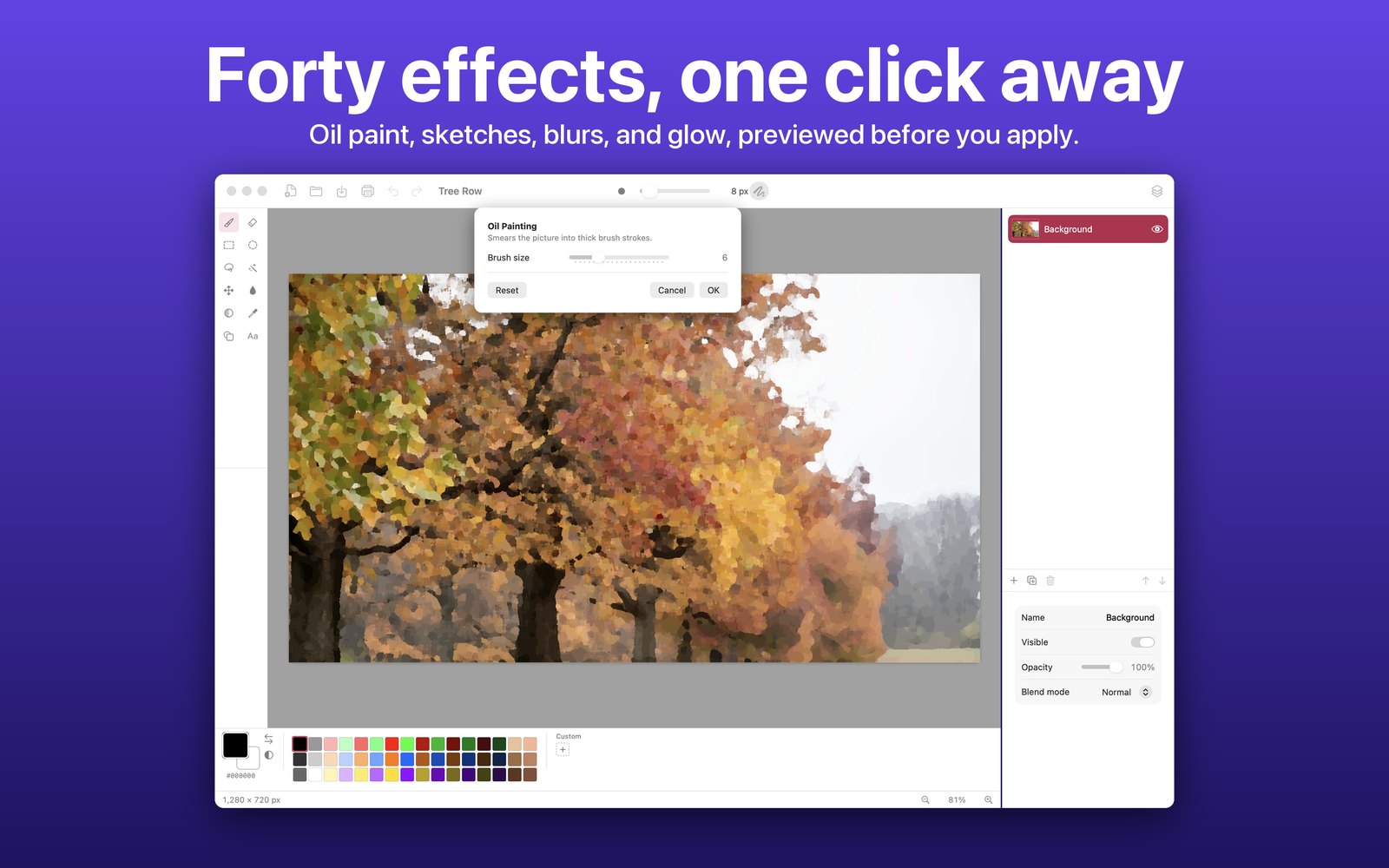
Blurs, distortions, noise, glow, sketches, fractals, and more in nine categories, with a live preview and Repeat Last Effect.
Each window has its own color, a ready palette, and a place for your custom colors, with a hue, opacity, and hex editor.
Resize the image, change the canvas size from any anchor, flip, rotate, and flatten.
Open and save PNG and JPEG, or save a Scumble file to keep every layer for later.
Bring in a photo or a scan from your nearby iPhone or iPad with Continuity Camera.
A real editor, not a trial.
No subscription. Yours for good.
Scumble has no account, no ads, and no analytics, and it makes no network connections of its own. It opens and saves only the files you choose, and the developer never sees your images.