
Scumble
A layered image editor for the Mac. Paint, select, add text, adjust colors, and apply effects, with a live preview and every edit undoable.
What it does
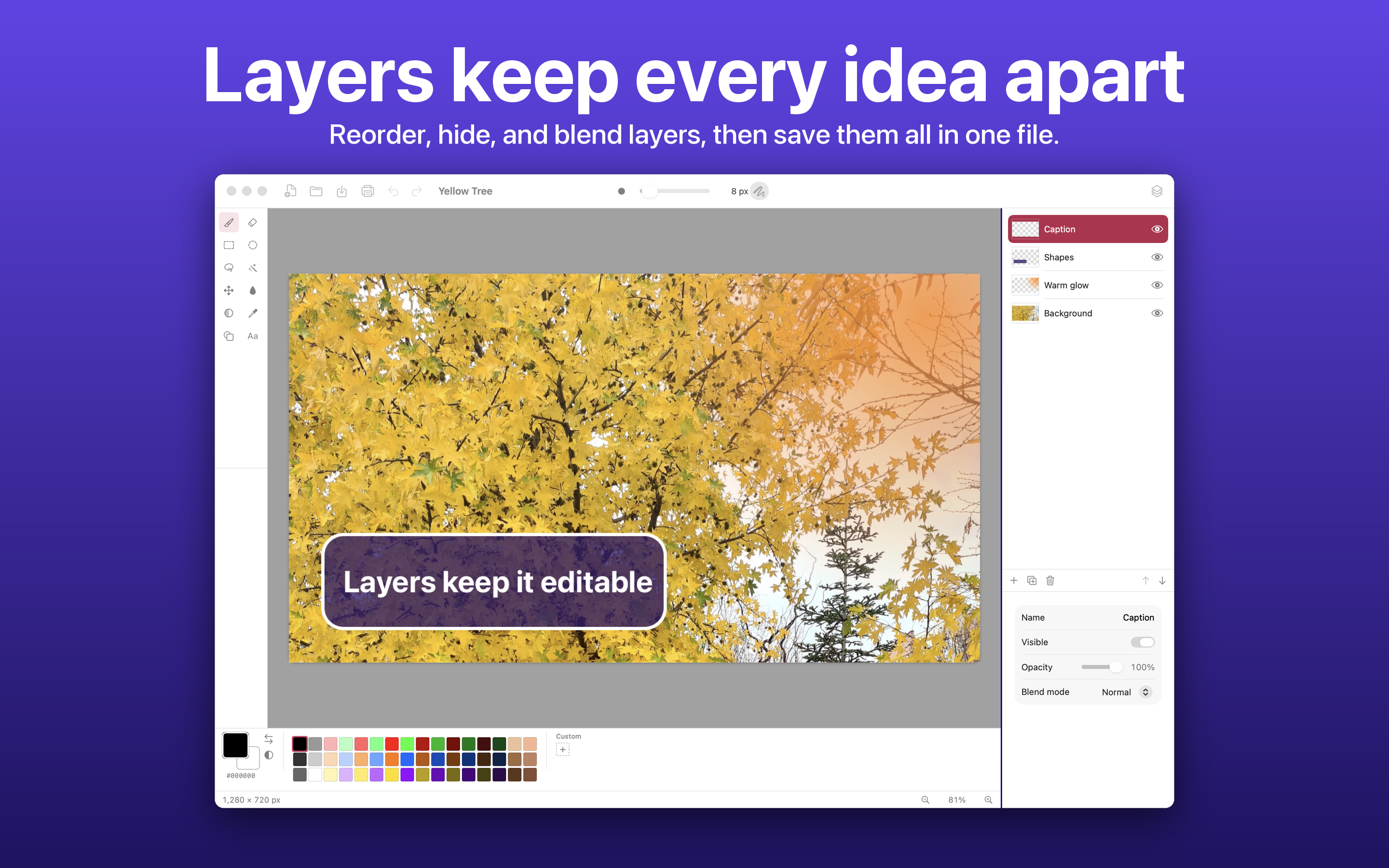
Layers
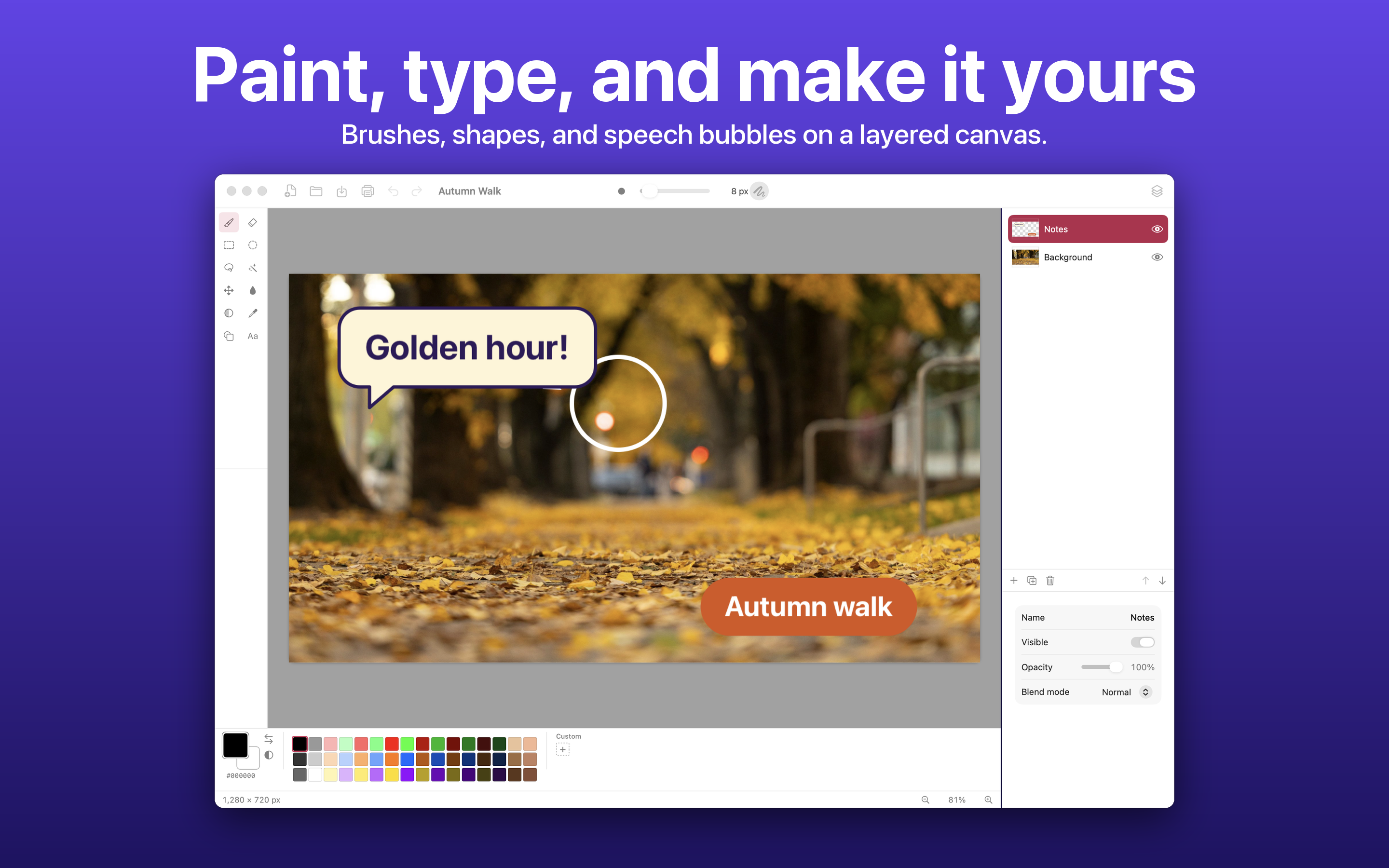
Add, duplicate, merge, reorder, and hide layers, with opacity and blend modes, and rotate, zoom, flip, or nudge a layer by itself.
Selections
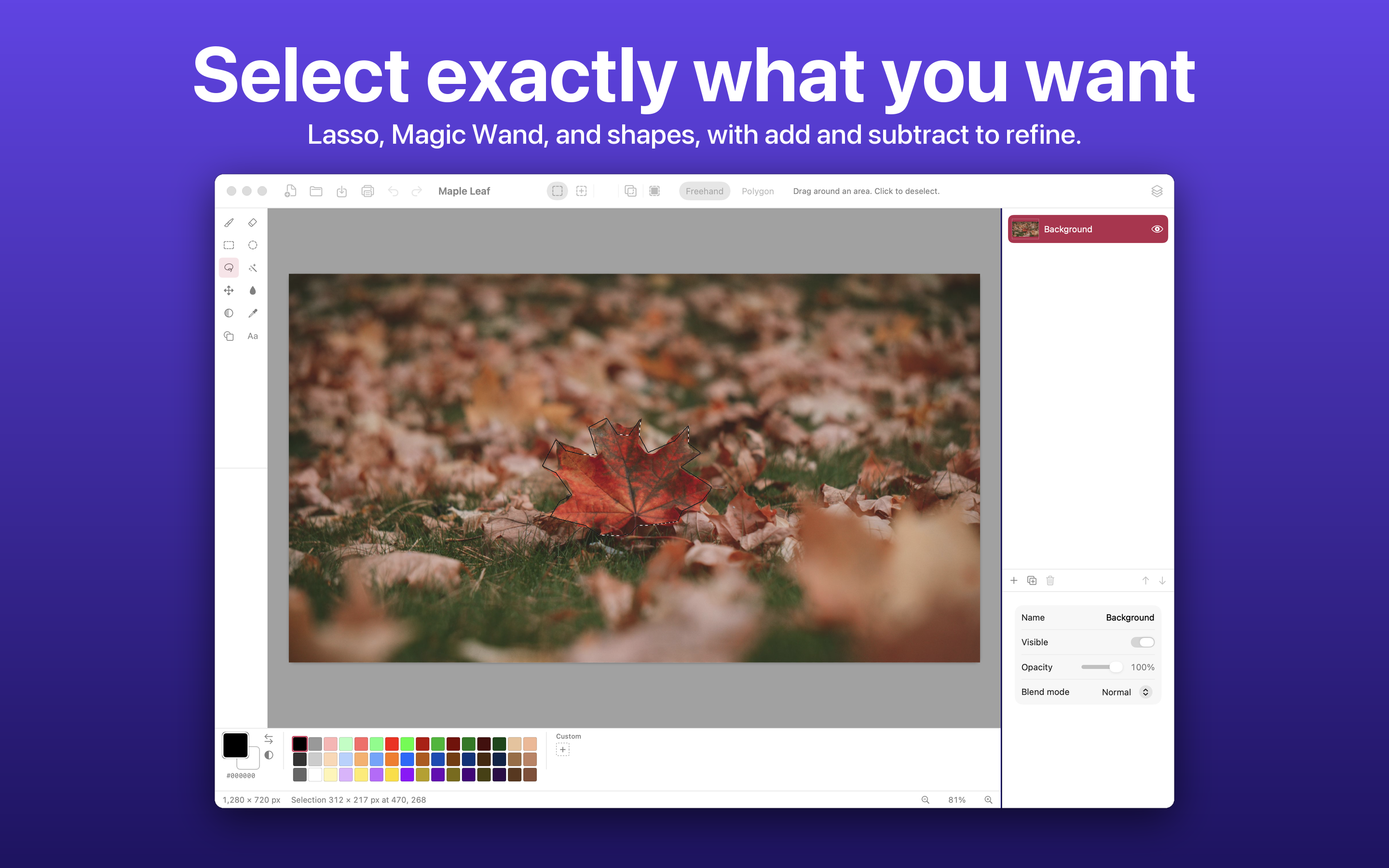
Rectangle and ellipse selections, Lasso (freehand or polygon), and Magic Wand, combined with add, subtract, intersect, and invert.
Paint and fill
A paintbrush and eraser with adjustable width, a paint bucket with tolerance, and a color picker that can average nearby pixels.
Text, bubbles, and pills
Plain text, speech bubbles, or pills in any installed font, with chosen text and background colors, dragged into place.
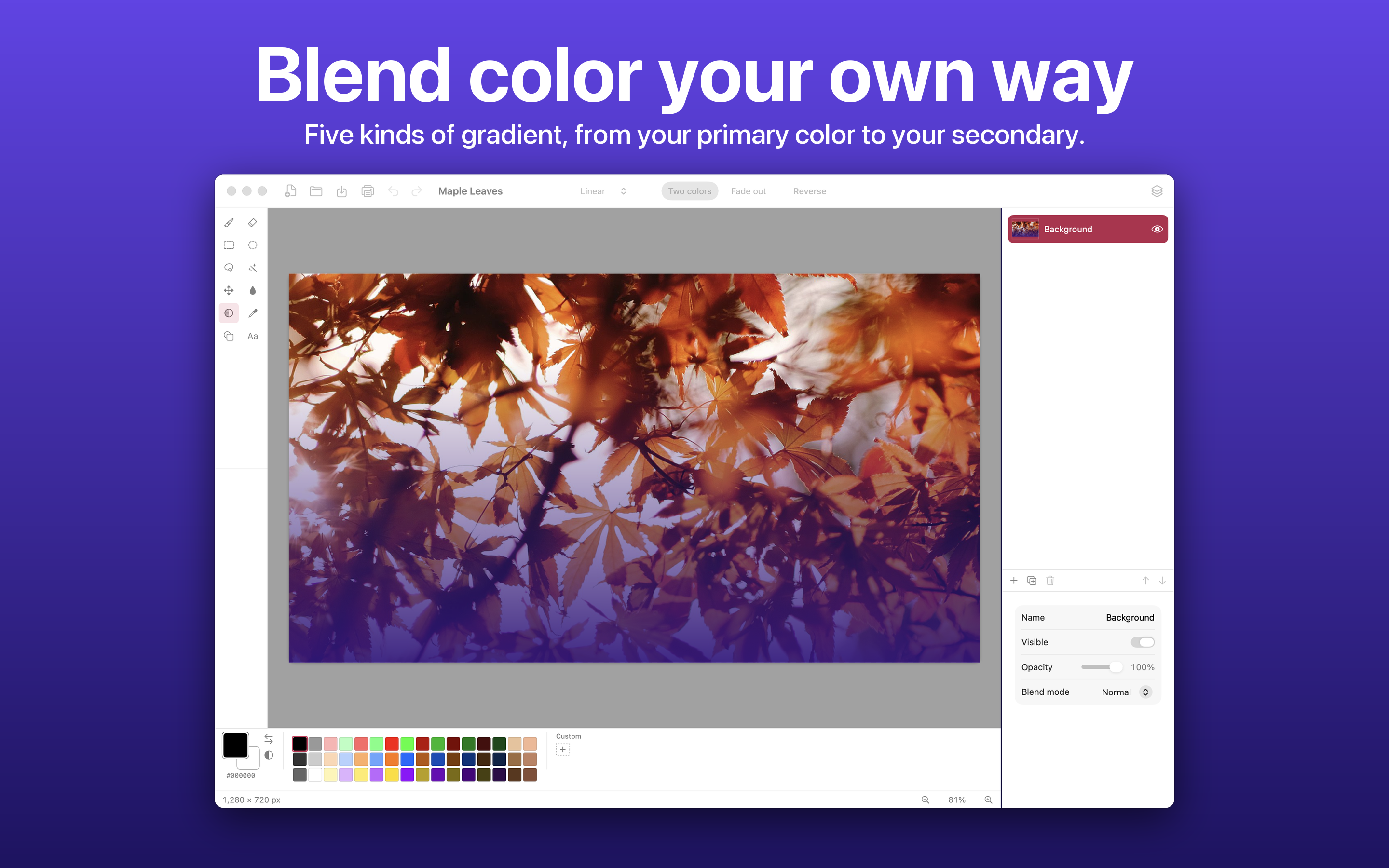
Shapes and gradients
Rectangle, rounded rectangle, ellipse, triangle, line, and arrow as an outline, a fill, or both, and five kinds of gradient.
Adjustments
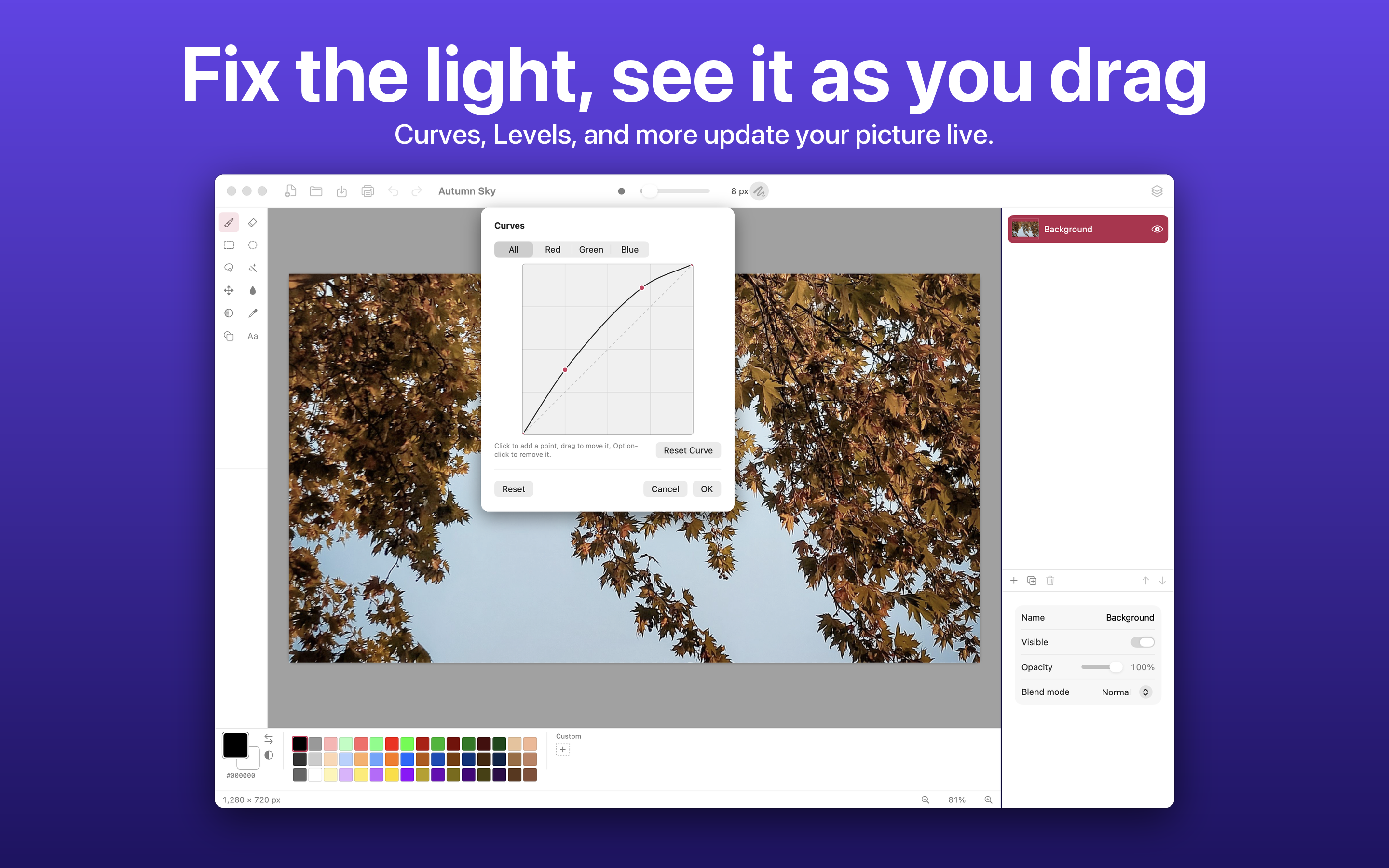
Brightness and Contrast, Hue and Saturation, Curves, Levels, Exposure, and more, each with a live preview on the picture.
Forty effects
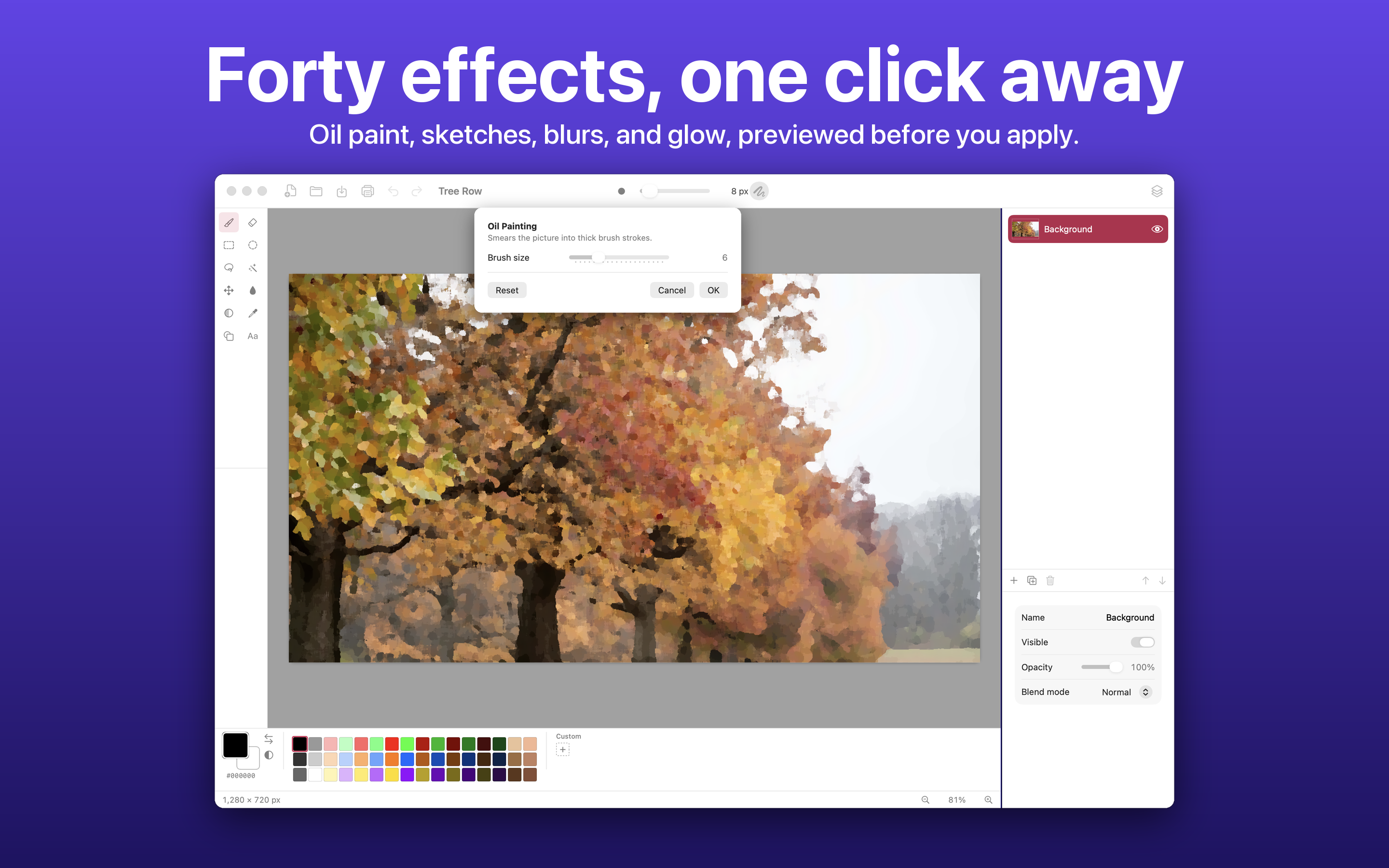
Oil painting, sketches, blurs, glow, distortions, noise, and fractals in nine categories, with a live preview and Repeat Last Effect.
Private by design
No account, no ads, no analytics, and no network connections of its own. Pictures stay on the Mac, in the files the user chooses.
Screenshots
Click any image to download the full-resolution 2880 x 1800 PNG.
Descriptions
Scumble is a layered image editor for the Mac with selections, text, adjustments, and 40 effects, free to download with an optional one-time upgrade.
Scumble is an image editor for the Mac for the everyday jobs: cropping a screenshot, touching up a photo, adding a caption or a speech bubble, cutting something out, or making a small piece of artwork. It keeps a picture in layers, offers rectangle, ellipse, lasso, and magic wand selections, and has text, shapes, gradients, adjustments such as Curves and Levels, and forty effects, each with a live preview and an undo. Scumble has no account, no ads, and no analytics, and the pictures stay on the Mac. It is free to download, with a single one-time purchase, Scumble Pro, that unlocks the effects, advanced adjustments, lasso and magic wand, gradients, saving with layers, more file formats, and very large images. Scumble was built by independent developer Alexander Rohr.
Fact sheet
Image credits
The sample pictures in the screenshots are free stock photos from Pexels, used under the Pexels License:
Stephen Leonardi, Golden Autumn Pathway in a Serene Urban Park
Антон Злобин, Red Maple Leaf on Ground in Autumn
Ray Suarez, Colorful Autumn Trees in Tranquil Park Setting
Barış Yiğit, Tree in Autumn
Hicran Çabuk, Vibrant Autumn Leaves in a Tranquil Park Setting
臻 宋, Orange Maple Leaves in a Fall
Rohr Software logo
The logo of Rohr Software, Alexander Rohr's independent company and the developer of Scumble. You are welcome to use it alongside coverage of Scumble. Please don't recolor or stretch it.

Press contact
For interviews, review codes for Scumble Pro, or full-resolution assets:
alex@rohrsoftware.dev
Alexander is available to talk about building a Mac image editor as a solo developer.